Secure Link Sharing: Techniques and Implementation
Nick · Published 1 September 2026
You've just emailed a pitch deck to an investor, attached a proposal for a new client, or sent a photographer's proof PDF for approval. The file has left your inbox, but you can't tell whether the recipient opened it, which pages they read, or whether the attachment has been forwarded. A secure link gives you a more useful operating model: the document stays in a controlled viewer, the URL remains usable, and reader activity can inform your next step without turning the file into an unmanaged copy.
Secure link sharing isn't about hiding a URL. It combines access controls, privacy decisions, and document lifecycle management. The practical question is whether your link protects the material, gives the recipient a frictionless experience, and remains useful after the first send.
Table of Contents
- Why Secure Link Sharing Matters for Your Documents
- How Secure Link Sharing Evolved
- Security Techniques for Controlled Distribution
- Implementing Secure Links with EveryPage
- Choosing the Right Tool for Your Use Case
- Building a Durable Document Sharing Strategy
Why Secure Link Sharing Matters for Your Documents
A founder sending an investor deck needs more than delivery confirmation. The founder may want to know whether an investor reached the financial section, read the closing slide, or returned to the deck before a meeting. An email attachment provides none of that reliably. Once downloaded, it becomes a separate copy on another device, outside the sender's visibility and control.
A hosted document link changes the workflow. Instead of distributing a static attachment, the sender can offer a browser-based experience with controls around viewing, downloading, passwords, watermarks, and analytics. That distinction matters for a freelancer sending a proposal, a consultancy delivering a report, or an operations team circulating an internal policy.
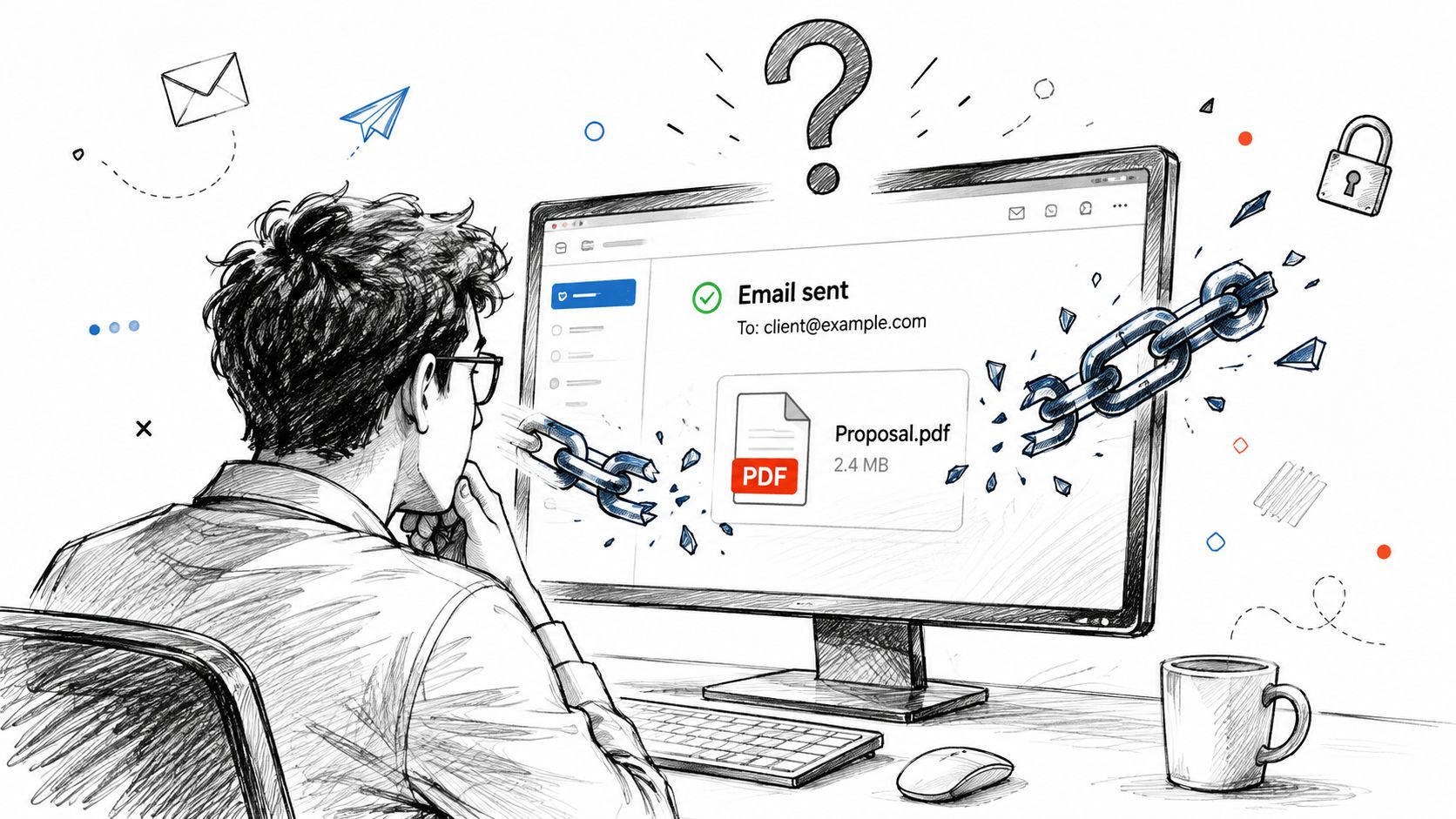
Attachments lose context
An attachment can be protected before sending, but it still creates a difficult chain of custody. Recipients may save multiple versions, forward the file, print it, or upload it to another service. The sender then has to chase copies rather than manage one document channel.
A secure link can support a more deliberate approach:
- Controlled access: Require a password, restrict downloading, or apply other viewer permissions.
- Reader insight: Use page-level views and time on page to understand engagement.
- Document continuity: Keep the same URL while updating the underlying file.
- Follow-up quality: Contact a prospect based on useful reading signals rather than guessing.
Practical rule: Treat the shared URL as part of your document security model, not as a neutral delivery address.
Privacy still matters. Reader analytics should answer business questions without collecting more personal data than necessary. Under GDPR, IP addresses and related browser parameters may count as personal data when they can be linked to an individual, which creates additional obligations for systems storing raw addresses, as explained in this analysis of European rulings on Google Analytics.
For a practical workflow covering protected PDF delivery, use this guide to sending a PDF securely. The core principle is straightforward: preserve the document in one managed location, then distribute access to it rather than distributing uncontrolled copies.
How Secure Link Sharing Evolved
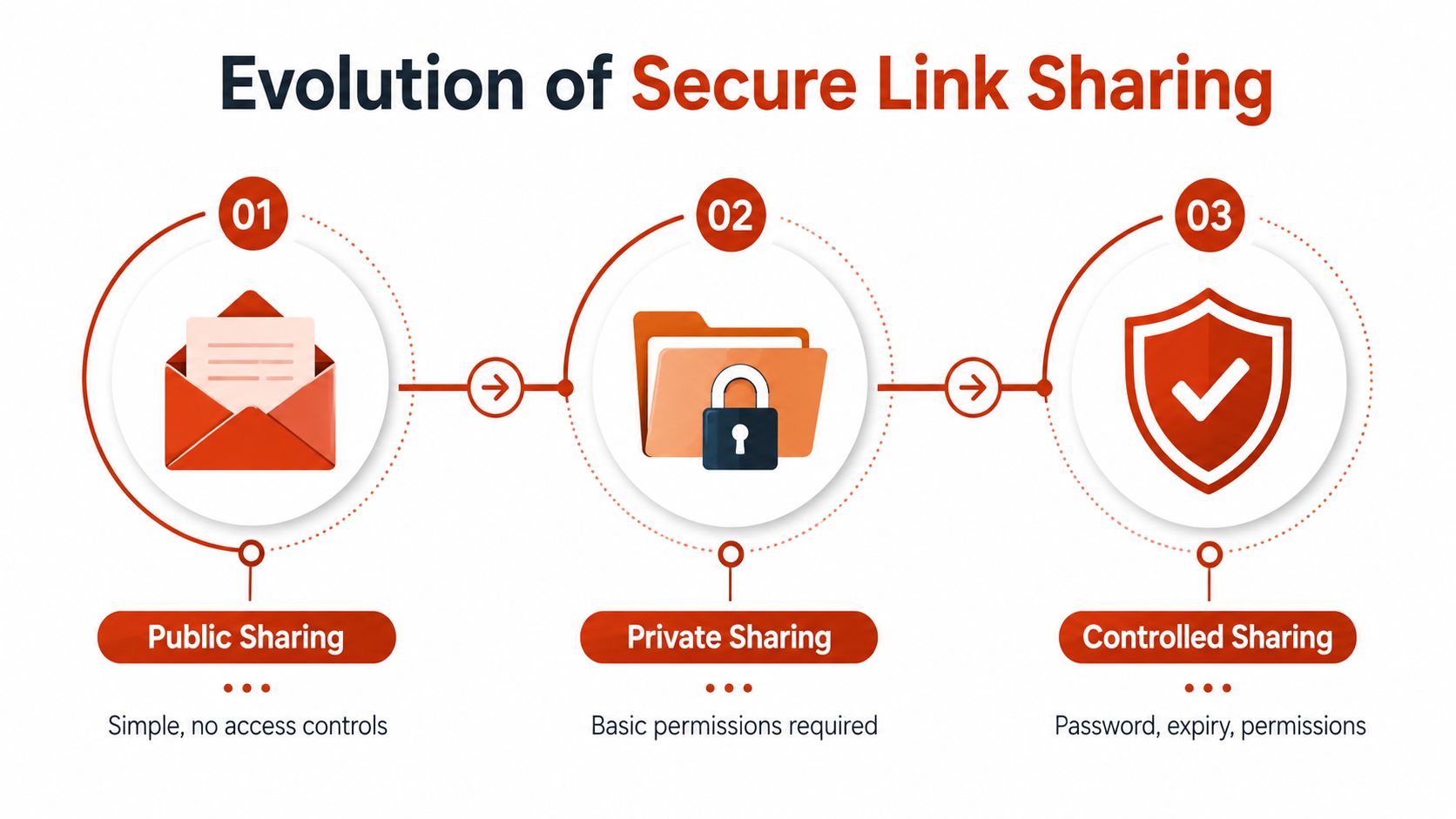
Cloud sharing developed around a basic choice between openness and friction. Providers described three broad models: public sharing with no access controls, private sharing behind an account login, and secret URL sharing that grants access through a specific web link without requiring an account. This history is documented in the A*STAR discussion of cloud-sharing security.
Secret URLs became common because they solved a real usability problem. The recipient didn't need to create an account, remember another login, or install an application. The sender could copy a link into an email or message and expect the document to open quickly.
The weakness was equally clear. A secret URL usually behaves like a bearer credential, meaning possession of the link can be enough to access the file. Forwarding, copying, or logging the URL can therefore bypass the sender's assumptions about the intended audience.
Convenience created a new attack surface
Links travel through ordinary systems that users don't treat as sensitive storage. A security analysis lists browser history, corporate proxy logs, browser extensions, HTTP referrer headers, and accidental chat forwarding as exposure routes. Browser histories and proxy systems can retain URLs after the sender believes the sharing event has ended, as detailed in this review of the risks of public sharing links.
The phishing problem reinforces the same lesson. Research into malicious file-hosting campaigns recorded 5.9 million email messages carrying malicious OneDrive and SharePoint links in Q1 to Q2 2020. Those messages represented 1% of phishing emails but 13% of user clicks, and users were seven times more likely to click those links than other phishing links, according to the linked security analysis.
The figures don't mean every document URL is malicious. They show why obscurity isn't a sufficient control. A link is easy to distribute, easy to misinterpret, and valuable to anyone trying to redirect a recipient towards harmful content.
Access control followed the link
Modern secure-link design adds controls around the bearer credential. Passwords create a second requirement. Expiration reduces the period in which a leaked URL can be replayed. Download limits and one-time access budgets reduce the value of reuse.
This progression explains the difference between an unlisted link and a properly governed sharing channel. Unlisted access hides a document from casual discovery. Controlled access manages what happens after the URL reaches a recipient, a logging system, or an unintended third party.
Security Techniques for Controlled Distribution
Secure link sharing works best as defence in depth. No single setting compensates for every exposure route, so choose controls according to the material, the audience, and the consequences of unauthorised access.
Start with the least disruptive control
Password protection is the sensible baseline for a proposal containing confidential pricing, an investor deck with unpublished figures, or a client report with sensitive findings. Use a unique password and send it through a separate channel. A password doesn't identify the reader, but it means a forwarded URL alone isn't enough.
Expiry is useful when access has a defined window, such as a draft prepared for a review meeting or a controlled handover. AWS explains that presigned URLs can grant object-specific GET or PUT access without exposing recipient identities and can remain valid for up to seven days, while recommending shorter expirations in practice to reduce replay risk. Its guidance on securing file transfers with presigned URLs supports the operational point: set the shortest practical lifetime, not the longest available one.
Expiry isn't automatically the right answer for a durable policy, brochure, or document that recipients must revisit. In those cases, revocation and replacement may be more useful than forcing the sender to create a new URL.
Use budgets when reuse is the risk
A view or download budget limits how often a sensitive document can be accessed. That can be stronger than a calendar deadline when the concern is repeated opening rather than prolonged availability. Research and industry guidance discuss download-count restrictions, password-protected URLs, one-time reads, nonce validation, audit logging, and backend-only URL generation as complementary safeguards. The secure file-sharing research paper provides that design context.
Other controls address extraction rather than entry:
- Watermarking: Tie each viewer's copy or page view to a pseudonymous reader label where appropriate.
- Download blocking: Keep the document in the viewer when recipients only need to read it.
- Print and copy restrictions: Reduce casual extraction, while recognising that no browser control can prevent every screenshot.
- Permissions and domain rules: Narrow the audience when your workflow supports an approved organisation or domain.
- Audit records: Record creation and access events so the team can investigate unusual activity.
For implementation details around access budgets and optional destruction, see this documentation on self-destructing links. Use the strongest combination that fits the job. Adding every possible restriction to a routine brochure can frustrate readers, while sending an unprotected confidential report creates avoidable risk.
Implementing Secure Links with EveryPage
EveryPage is our product, and its workflow starts with low-friction PDF distribution. EveryPage says a user can upload a PDF and get a share link immediately, with no account needed to start. Readers can open the document in a browser-based viewer without creating an account or installing an app, as described on the PDF sharing and analytics page.
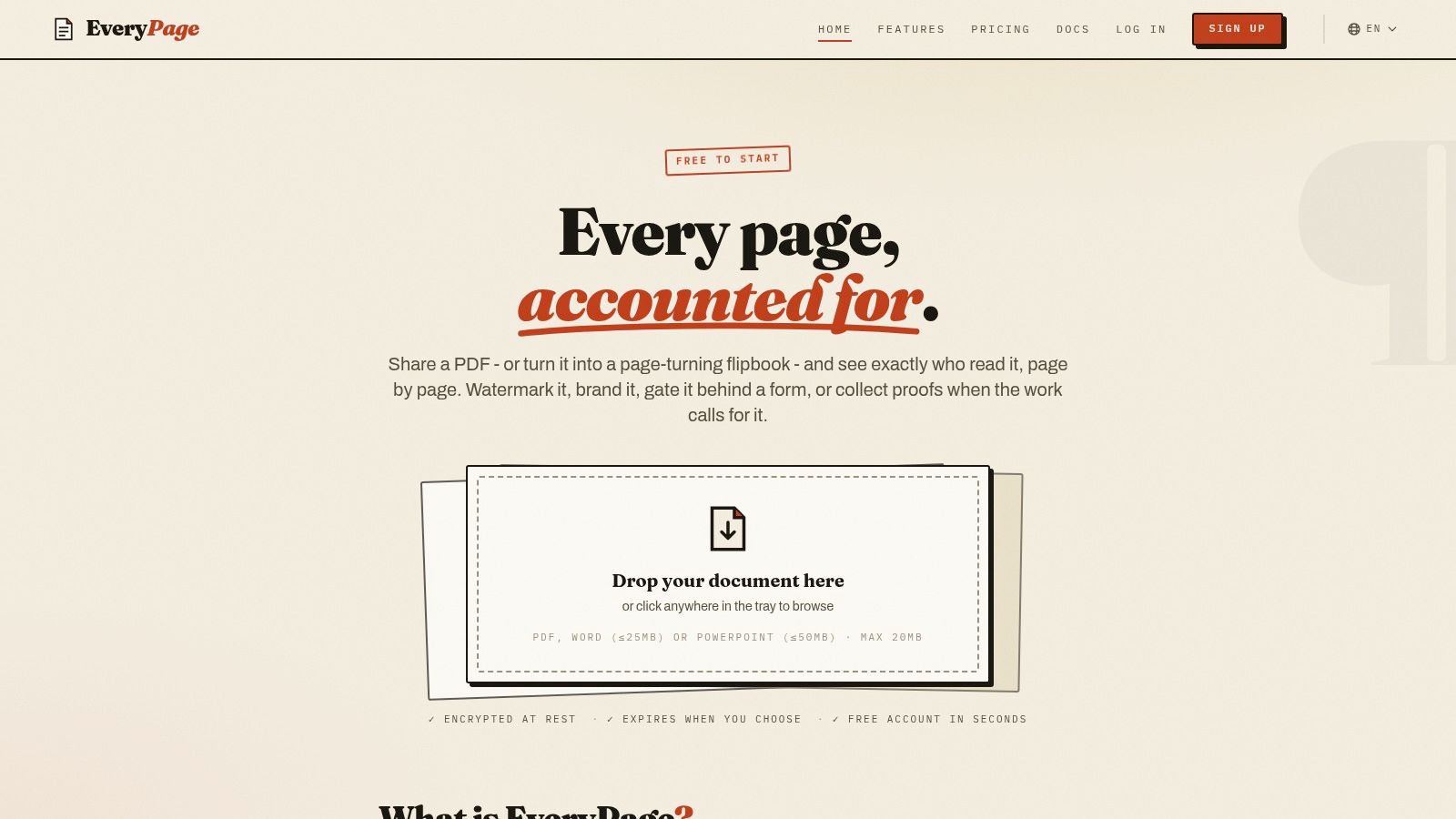
That flow matters in real work. A founder can share a pitch deck without asking investors to register. A freelancer can send a proposal without attaching a file that will circulate beyond the original email. A photographer can send proofs through a browser viewer and collect feedback without building a separate client portal.
Controls and analytics in one channel
EveryPage supports AES-256-GCM encryption at rest, password protection, watermarking, and optional expiry. It also provides page-by-page analytics, including views, time on page, read-through funnels, and re-read rate. Page-level views and average time on page are established document-analytics mechanics, as described in this overview of document analytics.
The privacy model is deliberately different from systems that retain raw IP addresses. EveryPage's design doesn't store reader IP addresses. It resolves country information in flight and discards the address, which supports a more GDPR-friendly analytics approach while still showing document engagement. That doesn't remove the need for a proper privacy notice or a lawful basis for processing, but it reduces the data collected for readership reporting.
Privacy decision: Analytics should help you understand document use without quietly creating a second identity database.
The platform also supports four viewer modes, standard, flipbook, swipe, and magazine, so presentation can match the document. A sales deck may suit a guided flipbook, while a technical report may be easier to read in standard mode.
Flat pricing changes the buying calculation
Pricing is flat per account: Free, Basic at $9 per month, and Pro at $29 per month. There are no per-user fees. That model can be easier to budget than recipient-based pricing for teams sharing documents with many external readers, and it's a practical differentiator when comparing EveryPage with DocSend or PandaDoc. You can review the workflow through secure PDF sharing with EveryPage, then test whether its controls fit the sensitivity of your material.
Choosing the Right Tool for Your Use Case
Secure link sharing tools solve different problems. The right choice depends on whether you need document analytics, enterprise governance, contract execution, or a lightweight way to distribute PDFs without asking readers to register.
| Tool | Best For | Pricing Model | IP Tracking |
|---|---|---|---|
| EveryPage | PDF distribution, page-level analytics, durable links, and browser viewing without reader accounts | Flat per-account tiers, Free, Basic at $9 per month, Pro at $29 per month | Doesn't store reader IP addresses |
| DocSend | Enterprise compliance teams that need rigorous audit trails and approval-oriented workflows | Check current vendor pricing | Verify current vendor behaviour and configuration |
| PandaDoc | E-signatures and contract workflows | Check current vendor pricing | Verify current vendor behaviour and configuration |
Choose by workflow, not feature count
DocSend fits enterprise governance requirements when formal audit trails, approval processes, and established sales-document controls matter more than a lightweight upload flow. A compliance team may reasonably prefer its broader enterprise orientation, even if that introduces more administration for occasional external sharing.
PandaDoc fits contract execution when the document must move through structured approvals and e-signatures. If your workflow ends with a signed agreement, using a platform built around that process is more coherent than adding signature steps elsewhere.
EveryPage is our product, and it fits teams that want PDF sharing with page-level engagement data, four viewer modes, password protection, watermarking, and links that can remain active or be updated in place. Its flat per-account pricing has no per-user fees, and its analytics design doesn't store reader IP addresses.
EveryPage has an honest limitation. It focuses primarily on PDF distribution rather than full contract lifecycle management, and its interactive collaboration capabilities are narrower than those of full document platforms. Teams needing complex negotiation, approvals, or signature orchestration should select a tool designed for those requirements rather than forcing a PDF analytics platform to act as a contract system.
Reader experience is another decision point. EveryPage doesn't require a reader account or app, which removes friction for investors, clients, and external stakeholders. That convenience should be balanced against the need for identity-aware controls. For confidential or regulated content, independent guidance warns that anonymous “anyone with the link” access can be too weak and recommends authenticated recipients, domain restrictions, download blocking, watermarking, revocation, and access logs, as outlined in this guidance on when shared-link access becomes too weak.
Building a Durable Document Sharing Strategy
A secure link shouldn't always be treated as a temporary transfer. A pitch deck, employee policy, product brochure, or client reference guide may need to remain available for a long time, while the underlying file changes as the business updates its message.
The durable approach is to separate the URL's identity from the file's current version. A dynamic link can preserve the same address and QR code after a file replacement. That turns the link into a permanent document channel, not a disposable message attachment. Marketing teams can keep a printed QR code current, and operations teams can update a policy without sending a new URL to every employee.
Make lifecycle controls deliberate
Expiry and self-destructing access budgets still have a place. Use them when a sender wants to close a review window, limit access to a sensitive chapter, or reduce the value of a leaked URL. Don't apply them automatically to documents that recipients need to revisit.
A durable strategy can combine:
- Permanent access: Keep stable links for brochures, policies, guides, and reference documents.
- In-place replacement: Update the file while preserving the URL and its distribution history.
- Selective restriction: Add passwords, watermarks, download blocking, or view budgets where sensitivity requires them.
- Ongoing evidence: Retain readership records and export data for internal review, subject to your privacy obligations.
- Clear ownership: Assign someone to review the document, permissions, and analytics rather than leaving the link unmanaged.
This approach also supports GDPR-aware operations. Collecting less identifying data can simplify the privacy analysis, but it doesn't eliminate responsibilities around transparency, retention, access rights, and appropriate safeguards. Teams should document what they collect, why they collect it, and when they remove it.
Market coverage points towards continued demand for secure file transfer and sharing from 2025 to 2034, while emphasising zero-trust controls, granular policy enforcement, expiry, and self-destructing access budgets in its secure file-sharing system outlook. The practical implication is not that every document should expire. It's that organisations increasingly need links they can revoke, reconfigure, and monitor throughout a document's life.
Use secure link sharing as an asset strategy. Keep the URL stable when continuity matters, tighten access when risk demands it, and update the document in place instead of multiplying uncontrolled copies.
EveryPage provides browser-based PDF sharing with no account required for the sender to start or for readers to view, page-level analytics without storing IP addresses, optional passwords and expiry, watermarking, and permanent dynamic links. Visit EveryPage to create a controlled document channel that stays trackable and updatable instead of disappearing into email attachments.
See who reads your next PDF.
Try EveryPage free