7 Best Proposal Software for Consultants in 2026
Nick · Published 4 August 2026
You've finished the proposal, sent it, and now the work starts. The client opens it once, then goes quiet. You're left guessing whether they liked the scope, stalled on pricing, or never reached the middle pages at all. For consultants, that silence is not just awkward, it's expensive. The right proposal software for consultants depends on which part of that process is actually broken for you: writing the proposal, presenting it, closing it, or finding out what happened after you pressed send.
Rather than ranking seven tools against each other, this guide groups them by the job each one does best. One disclosure before we start: EveryPage is our product, and this is our blog. We've put it last, kept its entry to things you can verify on our own pricing and features pages, and said plainly what it doesn't do.
Table of Contents
- For e-signatures and contract workflows: PandaDoc
- For designed, branded proposals: Proposify
- For web-native, interactive proposals: Qwilr
- For complex, multi-stakeholder deals: GetAccept
- For quick, simple proposals: Nusii
- For budget-conscious basics: Bidsketch
- For tracking what happens after you send: EveryPage (that's us)
- Top 7 Proposal Software for Consultants, Comparison
- How to Choose the Right Proposal Tool For You
For e-signatures and contract workflows: PandaDoc
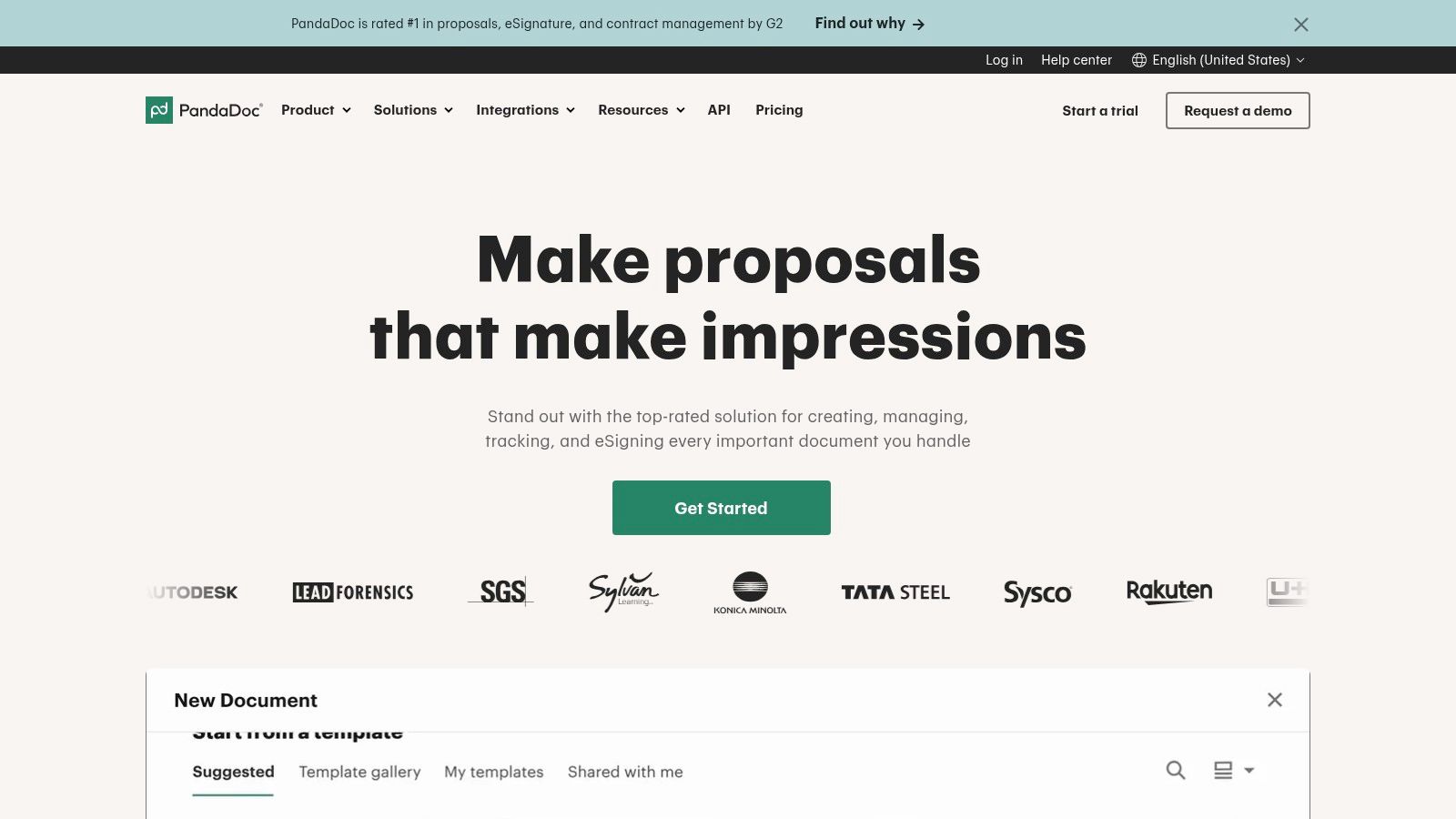
PandaDoc sits at the broad end of the market. It's a good fit if you want proposals, quotes, and contracts in one place, and you're willing to trade some simplicity for a wider workflow. For a consultant who needs an editor, template library, pricing tables, approvals, and signatures, it covers a lot of ground.
That breadth is useful when your proposal process has to move straight into contract stage. A strategy consultant, for example, can build the proposal, route it for approval, and keep the buyer in one system instead of bouncing between drafting tools and signature tools. The catch is that broad platforms can feel heavier than you need if your priority is quick sends and post-send visibility.
Where it fits in a consulting workflow
PandaDoc makes sense when you want creation and closing under one roof. It has a drag-and-drop editor, reusable templates, page and section analytics, pricing tables, CPQ-style structure, and e-signatures, with more of that on the upper tiers. That can work well for firms that package services in repeatable ways and want proposals to move cleanly into formal agreements.
The decision point is usually complexity. If you're only sending a few simple proposals each month, a broad suite can be more than you need. If you're bundling scope, pricing, and approval steps for multiple stakeholders, it becomes easier to justify. If you're weighing suites like this against lighter tracking tools, we've written up a side-by-side comparison, with the obvious caveat that it's written by one of the vendors being compared.
Use a broad suite only if your proposal needs to become a contract inside the same workflow. If the real issue is follow-up visibility, a simpler tracking-focused tool may be a better fit.
Website: PandaDoc
For designed, branded proposals: Proposify
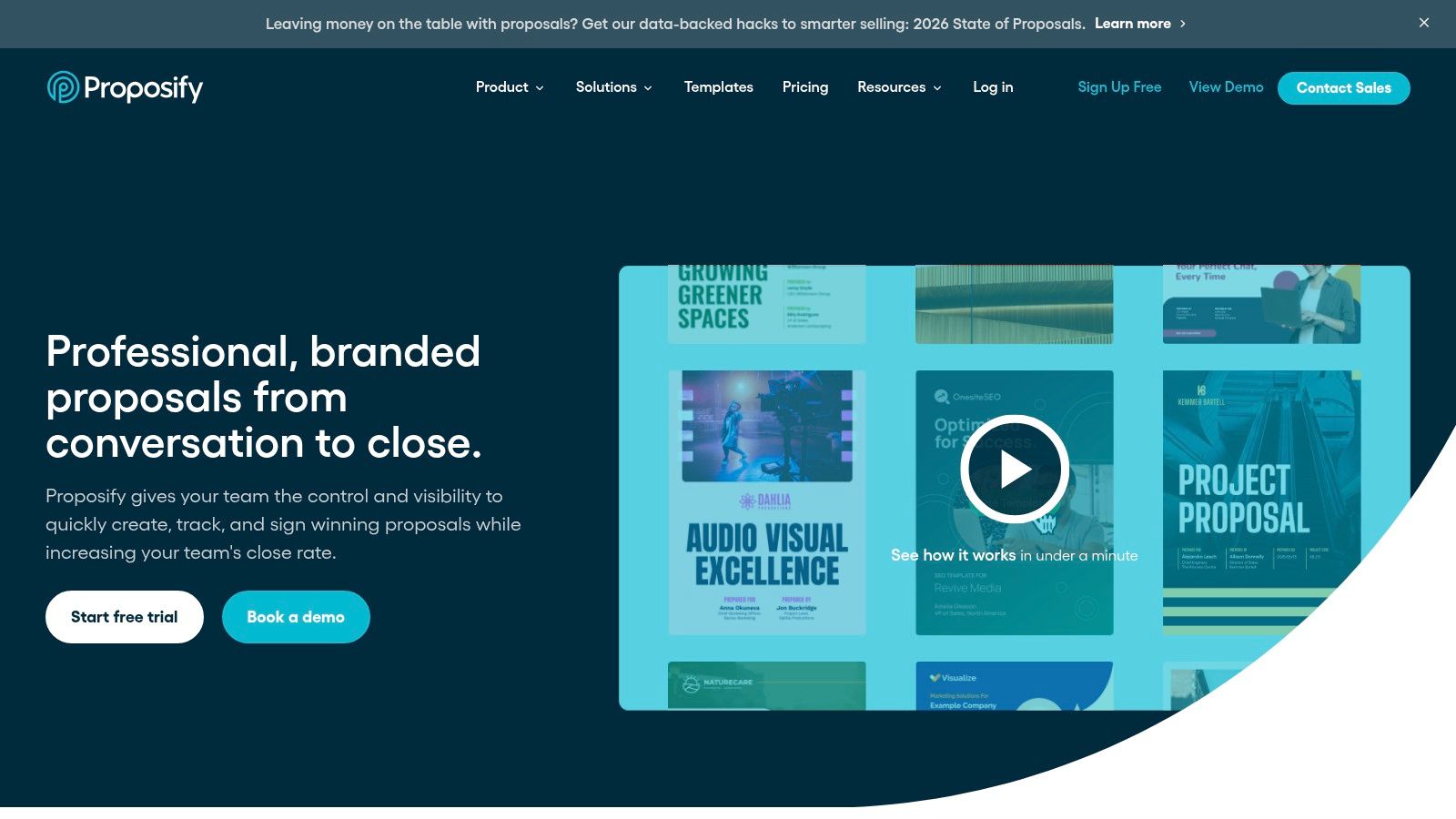
Proposify is built for consultants who care about layout, branding, and section-by-section engagement. It leans into proposal presentation without abandoning analytics, which makes it attractive if your document needs to look polished and still tell you what the buyer read.
The platform is at its most useful when you want interactive pricing and reader behaviour data in the same place. A marketing consultant can see which section of a retainer proposal gets attention, then adjust the follow-up accordingly. A small consulting team can also keep proposals visually consistent without reinventing each document.
When section-level reading data matters
The appeal of Proposify is that it helps you move beyond a basic "opened" signal. You can track engagement by section, use content libraries and templates, and export data for reporting. That gives you a more practical picture of buyer interest than a simple sent-or-not-sent workflow.
If your proposals are repeatable but still customised, this matters. You can standardise the parts that don't change, then focus your follow-up on the sections that keep getting attention. For consultants who send a lot of similar offers, that's a better operating pattern than reading tea leaves from email replies.
Website: Proposify
For web-native, interactive proposals: Qwilr
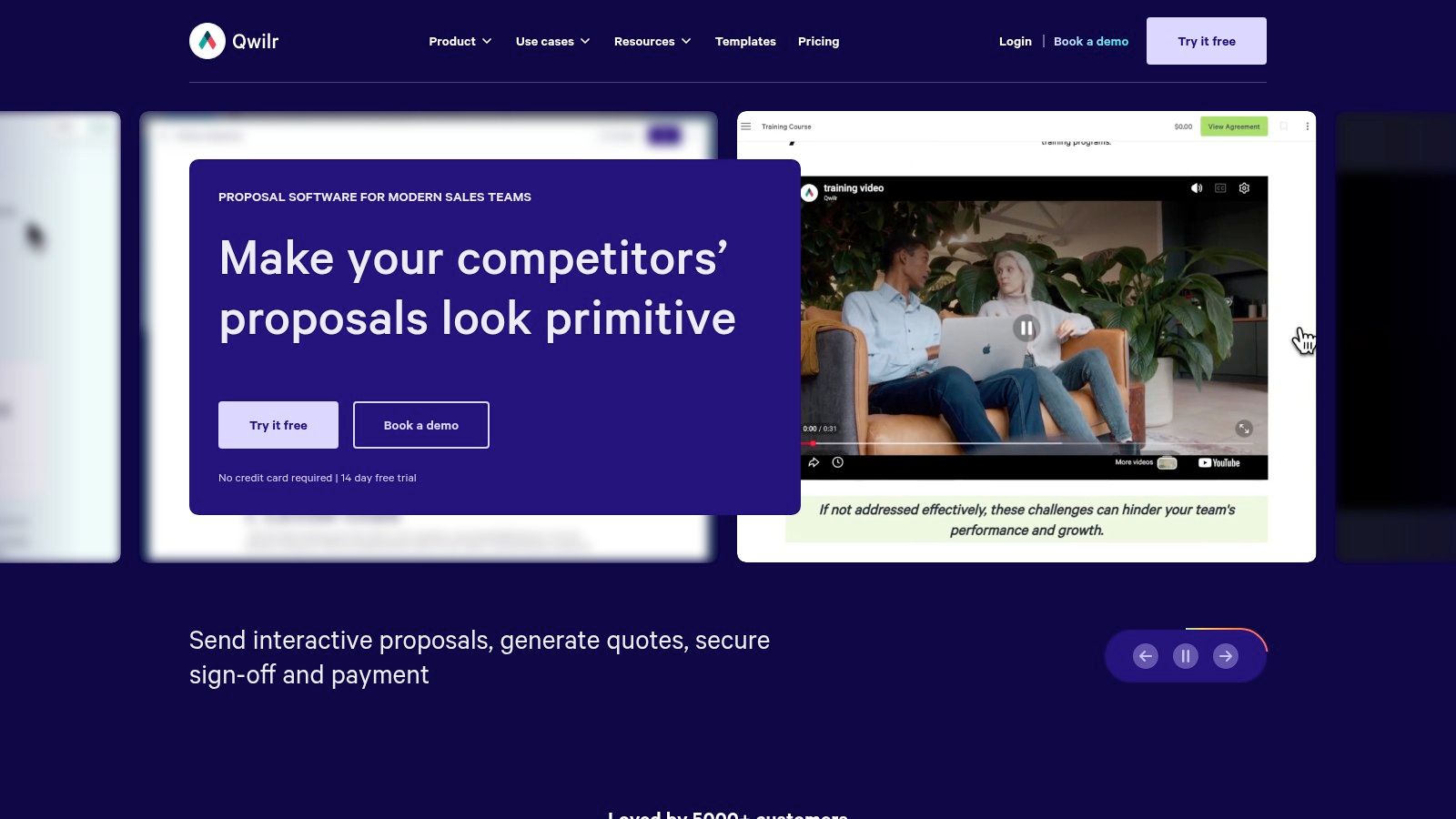
Qwilr changes the feel of a proposal straight away. Instead of a static attachment, you send a web page that can include pricing blocks, embedded media, e-signatures, and payment options. For consultants selling premium services, that presentation style can make the buyer experience feel cleaner and more modern.
It's a sensible choice if you want the proposal itself to behave like a landing page. A consultant can present the offer in a format that's easier to view on screen, which suits buyers who don't want to open long attachments on mobile or dig through unwieldy PDFs. The platform also supports automation and AI features on higher tiers, which helps if you standardise multiple offer types.
Why web-native proposals change the buyer experience
Qwilr is useful when the proposal has to do a bit more of the selling work visually, without becoming a full sales room. It supports link-based delivery, analytics, payments through QwilrPay, and integrations with common CRM tools. That gives you a polished buyer-facing surface without forcing the reader into a traditional document mindset.
The trade-off is flexibility. Teams that are used to document-style editing may need a short adjustment period, and some plan structures are more restrictive than freelancers expect. It's a good fit when presentation matters enough to justify learning a different format, but not when you just want to get a proposal out fast and watch what happens after the click.
Website: Qwilr
For complex, multi-stakeholder deals: GetAccept
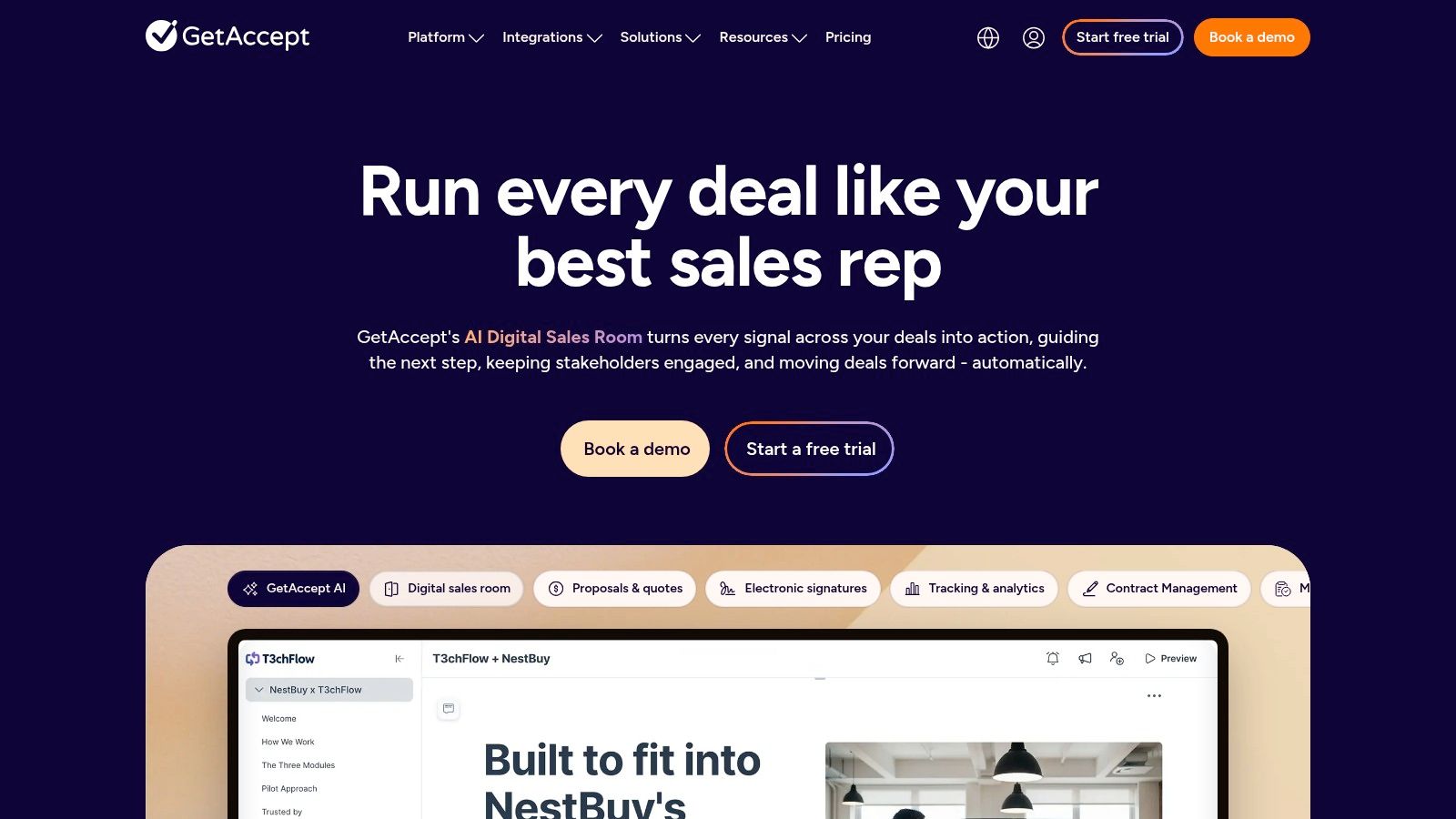
GetAccept is built for deals that need more conversation after the proposal goes out. Instead of treating the document as the end of the process, it wraps proposals in a Digital Sales Room where buyers can chat, comment, watch embedded video intros, and sign in the same place. For consultant-led deals with multiple stakeholders, that can reduce the stop-start nature of email follow-up.
The clearest use case is not a simple one-and-done proposal. It's the prospect who asks questions, wants internal clarity, and needs a place to keep the conversation moving. GetAccept gives you that environment, along with proposal editing, pricing tables, payments, CRM connections, and support for meeting context through transcript imports.
How digital sales rooms change follow-up
This category is useful because it makes buyer intent easier to see without relying on separate email threads. If a prospect is leaving comments or opening the room repeatedly, you have a much clearer signal than "they haven't replied yet." That matters for consultants selling larger engagements, where silence often just means the buyer is reviewing internally.
The trade-off is packaging. GetAccept is often sold in a more sales-led way, and annual billing on higher tiers can make it feel bigger than a freelancer needs. If you're a solo consultant or an occasional proposer, it may be more platform than process. If your deals involve multiple decision-makers and lots of back-and-forth, it starts to make sense fast.
Website: GetAccept
For quick, simple proposals: Nusii
Nusii is the tool for consultants who want speed and clarity more than depth. It keeps the proposal process light, which is exactly why a lot of freelancers and small agencies prefer it. You can assemble a proposal quickly, keep branding clean, and get a simple view of what happened after sending.
That simplicity is valuable if you're tired of overbuilt software. A solo consultant doesn't always need a big stack of approvals, sales rooms, and complex pricing logic. Sometimes the priority is getting a clean proposal out the door, with enough tracking to know whether the client is still engaged.
When simplicity wins
Nusii works best when your sales process is straightforward and your documents are fairly repeatable. It gives you templates, a content library, analytics, notifications, e-signing, and optional pricing sections, plus higher-tier features such as custom domain support and branding removal. It's also a sensible choice if you want clear plan boundaries rather than a long list of hidden extras.
That makes it a good fit for consultants who send a steady flow of proposals but don't need enterprise-style controls. The limitation is the same thing that makes it appealing: there's less depth for larger teams or more intricate workflows. If your process is about moving quickly with a tidy, client-friendly document, that trade-off is fine.
Website: Nusii
For budget-conscious basics: Bidsketch
Bidsketch is one of the more straightforward choices on this list. It focuses on templates, speed, and a basic proposal workflow that's easy to learn. For a consultant who sends similar offers regularly and doesn't want to wrestle with a complex interface, that can be enough.
Its appeal is practical. You can build from templates, add variables, send the proposal, and keep the process moving without much setup. It's the kind of tool that suits solo operators and small teams who care more about getting the work out than managing every step of a larger document operation.
The case for straightforward proposal sending
Bidsketch is a good reminder that not every consultant needs a digital sales room. If your deals are simple, your audience is already warm, and your main issue is producing proposals quickly, the software does its job. It also includes analytics and e-signing, so you're not flying blind after delivery.
The trade-off is depth. Compared with newer web-native tools or fuller workflow suites, Bidsketch is more basic in design and integration range. That's not a flaw if you want an affordable, low-friction system. It becomes a limitation only if your process has moved beyond simple proposal sending into richer pipeline management.
Website: Bidsketch
For tracking what happens after you send: EveryPage (that's us)
Full disclosure again: EveryPage is our product, so weigh this section accordingly. It also does a different job from every other tool here. EveryPage doesn't write, design, or e-sign proposals at all. It takes the proposal you've already made — you can upload a PDF or a Word file, which is converted to PDF — and turns it into a tracked link, so you can see what happened after you sent it.
What it actually does
The core is page-level analytics: views, time spent on each page, and a read-through funnel, so you can see whether a prospect stopped at your pricing page or went back to your methodology section. Readers don't need an account to open a link, and you don't need one to try an upload. Documents can be shared as a plain scrolling viewer or in flipbook, magazine, or swipe modes.
Two things are worth checking for yourself rather than taking from us. First, pricing: it's a flat free tier, $9/month Basic, and $29/month Pro, per account rather than per seat — see the pricing page for what sits in each tier. For a solo consultant that's easy to forecast; per-seat suites can be the better deal for larger teams, so do the arithmetic for your own headcount. Second, privacy: reader analytics work without storing reader IP addresses — readers get pseudonymous identities and only country-level location is kept. If you share commercially sensitive material, that posture is worth comparing with whatever you use now. Files are encrypted at rest, and expiry is under your control — links can be short-lived or kept live indefinitely.
Practical rule: if the client opens the proposal but doesn't return to the pricing or scope pages, follow up on those sections first, not the whole document.
What it doesn't do
Being honest about the limits: there is no proposal editor, no templates, and no e-signatures — if you need those, PandaDoc or Proposify above are better fits. The free tier is genuinely small (3 active documents, 20 MB per file), and several of the features consultants ask about — email-gated lead capture, watermarking, custom domains, dynamic links that let you swap the file behind a live link — sit on the paid tiers, mostly Pro. And EveryPage is not an enterprise virtual data room: if you need SSO, granular admin controls, and compliance workflows, DocSend or a dedicated data-room product is the better choice.
If you want a deeper look at the tracking-led workflow itself, see our consultant PDF tracking guide or the more general proposal tracking guide.
Website: EveryPage.co
Top 7 Proposal Software for Consultants, Comparison
| Product | Implementation complexity | Resource requirements | Expected outcomes | Ideal use cases | Key advantages |
|---|---|---|---|---|---|
| PandaDoc | Medium, full editor, CPQ and workflow setup | Medium–High, tiered per-seat pricing, SSO/API on higher tiers | End-to-end proposal → negotiation → signature workflow with analytics | Teams needing contracts, pricing tables, and signature workflows | All-in-one creation-to-signature suite, CPQ and approvals |
| Proposify | Medium, designer-focused editor, template setup | Medium, send-limit pricing, CRM integrations on upper tiers | Branded proposals with interactive pricing and section-level insights | Small teams/consultants prioritising design and pricing control | Designer templates, interactive quoting, section analytics |
| Qwilr | Medium, web-native editor and layout learning curve | Medium–High, seat minimums on some plans, annual-only upper tiers | Interactive web proposals with payments and analytics | Consultants wanting web-style proposals and embedded payments | Polished recipient experience, automation on higher tiers |
| GetAccept | High, Digital Sales Room setup, chat/video and CRM integration | High, sales-led packaging, annual billing on upper tiers | Multi-stakeholder deal rooms, buyer engagement signals, integrated signing | Complex B2B deals with multiple stakeholders | Digital Sales Rooms, embedded video/chat, CRM integrations |
| Nusii | Low, quick template-based setup | Low, clear plan caps, active-proposal limits | Fast proposal turnaround with clean branding and simple analytics | Solo consultants and small agencies needing speed and simplicity | Simple to use, fast assembly, consultant-friendly pricing |
| Bidsketch | Low, straightforward editor and templates | Low, budget-friendly tiers, fewer native integrations | Quick, simple proposals with basic analytics and e-signing | Solo consultants/small teams seeking affordability and speed | Affordable, easy to learn, quick proposal creation |
| EveryPage (our product) | Low, minimal setup, no account needed for readers | Low, flat $9/$29 pricing, free tier capped at 3 documents / 20 MB | Page-level engagement data on documents you made elsewhere; no editor or e-sign | Consultants whose bottleneck is follow-up visibility, not authoring | Page analytics without stored IPs, flipbook/magazine/swipe modes, flat pricing |
How to Choose the Right Proposal Tool For You
The best proposal software for consultants depends on what's breaking in your process. If you want an all-in-one suite for drafting, approvals, and signatures, PandaDoc is the broad option, and Proposify makes sense if you want more design control with section-level analytics. If you prefer a web-native buyer experience, Qwilr fits, especially when the proposal itself needs to feel interactive. For multi-stakeholder deals with lots of back-and-forth, look at GetAccept; for fast, simple sending, Nusii or Bidsketch. If you need enterprise compliance — SSO, admin controls, data rooms — none of the lighter tools here, ours included, will satisfy your IT team; look at DocSend or a dedicated virtual data room.
If your biggest problem is what happens after you hit send, and you're happy writing proposals in the tools you already own, that's the gap EveryPage — our product — is built for: page-level analytics without stored IP addresses, no reader accounts, and flat per-account pricing. It won't write or sign anything for you, which is exactly why it pairs with rather than replaces the editors above.
Pricing model should influence your choice as much as features. Flat-rate pricing is easier to forecast for solo consultants and small teams; per-seat suites can still be worth it when you genuinely use the wider workflow. The most useful way to decide is simple: look at your last five proposals and ask what slowed the deal down — creation, follow-up, or closing. Then choose the tool that fixes that bottleneck first.
If follow-up is your bottleneck, you can try EveryPage without an account: upload a PDF, share the link, and see the page-level readout for yourself. Judge it against the features list rather than this article — we wrote both, but only one of them is a contract with our users.
See who reads your next PDF.
See who reads your next PDF.
Try EveryPage free