7 Pictures of Pamphlets for Design Inspiration
Nick · Published 16 August 2026
What makes a pamphlet picture useful when a search result only shows you a stack, a hand, or a glossy mockup? The right image does more than look tidy, it shows fold behaviour, headline space, and whether the piece can carry a real message in print or on screen. That matters because pamphlets have always sat between quick public information and longer-form publishing, and their format still deserves the same care today. If you need to show how the finished PDF behaves after distribution, EveryPage gives you a way to share it as a durable, trackable link, with page-level analytics and no reader IP storage, so you can judge what people read after the image leaves the gallery. The review method here is simple, check hierarchy, fold visibility, negative space, brand fit, licensing, and whether the picture matches the pamphlet's job.
Table of Contents
- 1. Shutterstock for broad mockup searching
- 2. Adobe Stock for design work inside Creative Cloud
- 3. Getty Images for editorial credibility
- 4. Alamy for documentary and niche situations
- 5. Depositphotos for practical, lower-cost mockups
- 6. Unsplash for candid, contemporary scenes
- 7. Pexels for fast, free sourcing
- Top 7 Sources for Pamphlet Images
- Turn Pamphlet Inspiration into a Working Layout
1. Shutterstock for broad mockup searching
Shutterstock works well when you need breadth first. Its pamphlet coverage spreads across mockups, lifestyle scenes, distribution shots, and editorial contexts, which makes it easier to compare how the same layout behaves in different settings. The site's scale also matters for search terms. Type in pamphlet, then branch into related queries like trifold or leaflet when the first results feel too generic.
The practical value is in the filters. You can narrow by orientation, people, releases, and usage, which saves time when you already know the image needs commercial clearance and a clean composition. Shutterstock also keeps licensing comparatively clear, with Standard and Enhanced options and plan types that suit both one-off purchases and ongoing work through subscriptions or credit packs at Shutterstock.
What to inspect before you licence it
A broad library is helpful, but it can also bury weak options. Some results feel over-styled, and a few mockups look neat while failing at the basic job of showing the fold or the headline zone. That is why this source fits teams that want lots of visual directions before they commit.
Practical rule: use Shutterstock when you want range, not when you want a single decisive image.
For a sales team, that might mean testing several brochure angles before building a proposal cover. For a marketing manager, it could mean checking whether the selected shot leaves room for a logo, a QR code, or a clear callout. The strongest picks usually show enough negative space to support your layout rather than forcing the design to fight the photo.
2. Adobe Stock for design work inside Creative Cloud
Adobe Stock is the better fit when the image needs to move straight into layout work. Its pamphlet results span photos, vectors, templates, and 3D assets, which helps when you're building a mockup rather than just collecting inspiration. The primary advantage is integration, because the asset can be pulled into Photoshop or Illustrator and retouched in the same environment where the rest of the design is already taking shape.
That workflow matters for brand teams. A designer can test type placement, adjust contrast, and composite the pamphlet into a cleaner scene without bouncing between tools. Adobe Stock also supports standard and extended licensing paths, and its mix of premium and editorial content can help when the piece needs to feel more polished than a generic stock image at Adobe Stock.
For teams that share a finished PDF rather than only the image, EveryPage's PDF flipbook viewer gives a different kind of presentation layer, useful when you want the same brochure to live as a trackable document rather than a static preview.
Where it fits, and where it doesn't
Adobe Stock is strong for mockups, but it can push you deeper into the Creative Cloud ecosystem than some teams want. If your process lives in browser tools or simple desktop apps, that extra integration may feel like overhead. Premium and extended assets can also make selection slower if you're only looking for a quick blog image.
The best use case is a designer preparing a brochure or pamphlet for final approval. A founder can use it to show an investor deck cover in context. A studio can use it to build a branded proof that still looks editorially clean. The limitation is simple, this is a good design library, but not always the quickest low-friction option for non-Adobe users.
3. Getty Images for editorial credibility
Getty Images makes sense when the image needs authority. Its pamphlet and pamphlets results stretch across business, healthcare, political campaigns, and event distribution, so the collection supports work that needs to feel closer to journalism or public-facing communications. That editorial tone is useful if the article, landing page, or campaign needs to look credible rather than promotional.
The licensing side is part of the appeal. Getty gives clearer guidance on scope and usage limits than many casual image libraries, and its rights and clearance services can help when the use case is more complex. That matters for policy, PR, and news-style content, where the image can't just look good, it has to be defensible at Getty Images.
When you share a brochure or proposal through EveryPage, PDF tracking lets you see page-level behaviour without retaining reader IP addresses, which is useful when the document itself needs to stay professional and privacy-conscious.
Best for public-facing context
Getty is often the right answer for a health campaign pamphlet, a city announcement, or a political handout shown in use. The image reads as documentary rather than decorative, so it helps the audience believe the content is part of a real environment.
Practical rule: choose Getty when the story needs credibility more than stylisation.
The trade-off is cost and complexity. First-time buyers can find the interface and licence structure harder to understand, and some editorial uses are restricted. That makes Getty better for teams with a review process, not for anyone who wants the quickest possible stock transaction. It's a strong source, but it asks you to know exactly how the image will be used.
4. Alamy for documentary and niche situations
Alamy is useful when the scene has to feel specific. Contributor-driven libraries often surface the odd, real-world image that bigger commercial collections miss, and that helps with public-sector pamphlets, NGO materials, and event imagery that needs local texture. If a studio mockup feels too polished for the brief, Alamy often gives you something more grounded.
Its licensing model also deserves attention. Alamy supports both royalty-free and rights-managed options, with pricing guidance and commercial-versus-editorial information that can help you keep usage under control. Rights-managed licensing can be slower, but it can also be the right answer when the campaign needs tighter limits around placement or duration at Alamy.
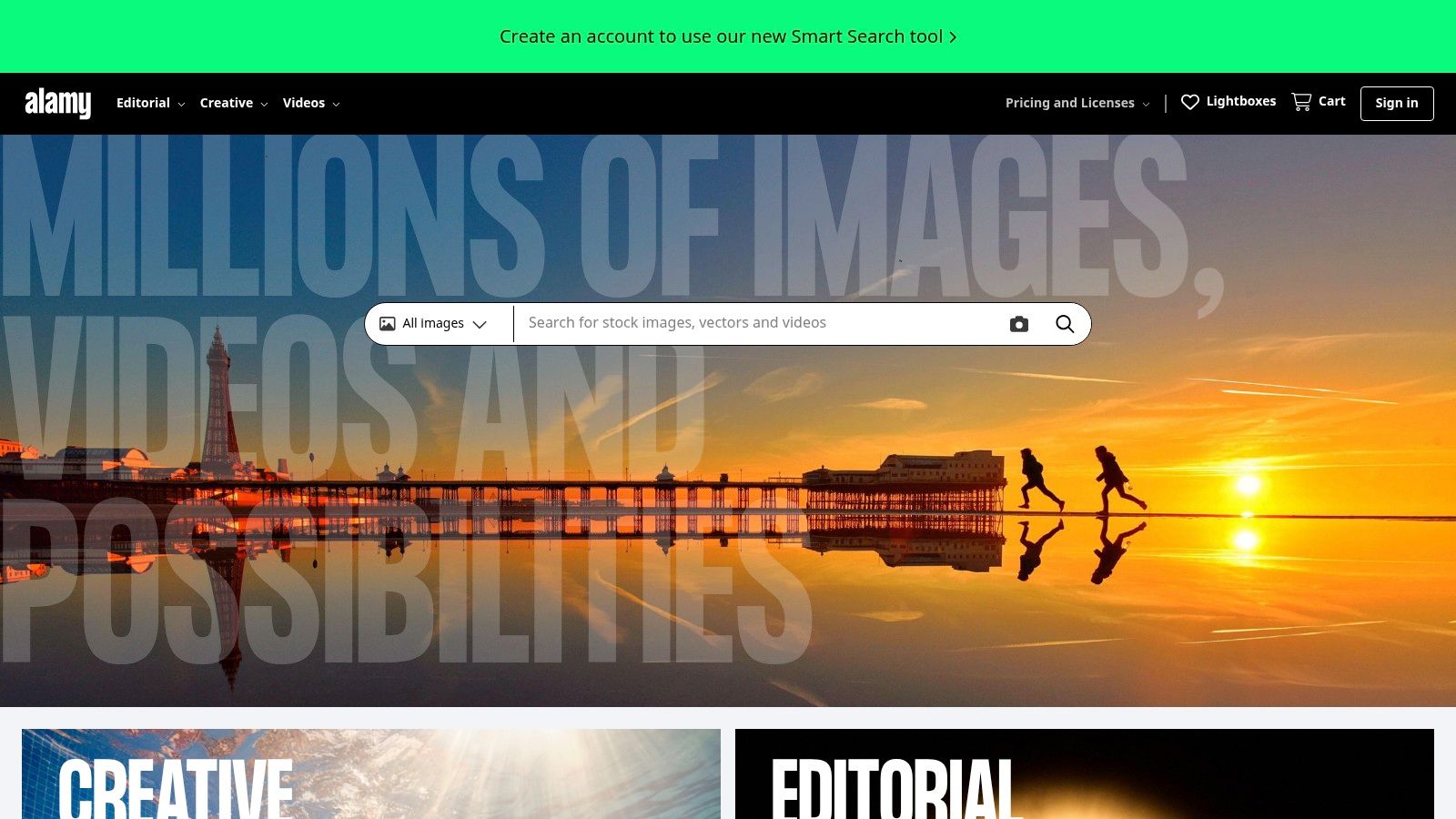
Use the real scene, not the prettiest one
Alamy is not the place to chase perfect symmetry. It's stronger when the image shows a document in circulation, on a desk, or in an event handout context where the surrounding environment adds meaning. That can be more persuasive than a flawless mockup, especially in reports, local campaigns, and documentary storytelling.
The limitation is consistency. Contributor quality varies, release coverage can vary too, and rights-managed workflows can slow down procurement. That means you need a sharper review pass before publishing. Check whether the fold is visible, whether the headline area still reads cleanly, and whether the image's realism supports the message instead of distracting from it.
5. Depositphotos for practical, lower-cost mockups
Depositphotos fits projects where the budget matters and the image only needs to carry the layout well. Its pamphlet results include tri-fold and bi-fold mockups, plus lifestyle scenes, so you can test a cover, panel spacing, and placement without switching libraries. The mix of photos, vectors, and video also helps keep campaign visuals aligned.
For teams that publish often, the licensing setup affects the workflow. Depositphotos offers subscriptions and pay-as-you-go credit packs, so spend can track the actual workload instead of forcing a fixed commitment. That suits agencies, in-house marketers, and solo creators that need regular collateral without premium-library costs at Depositphotos.
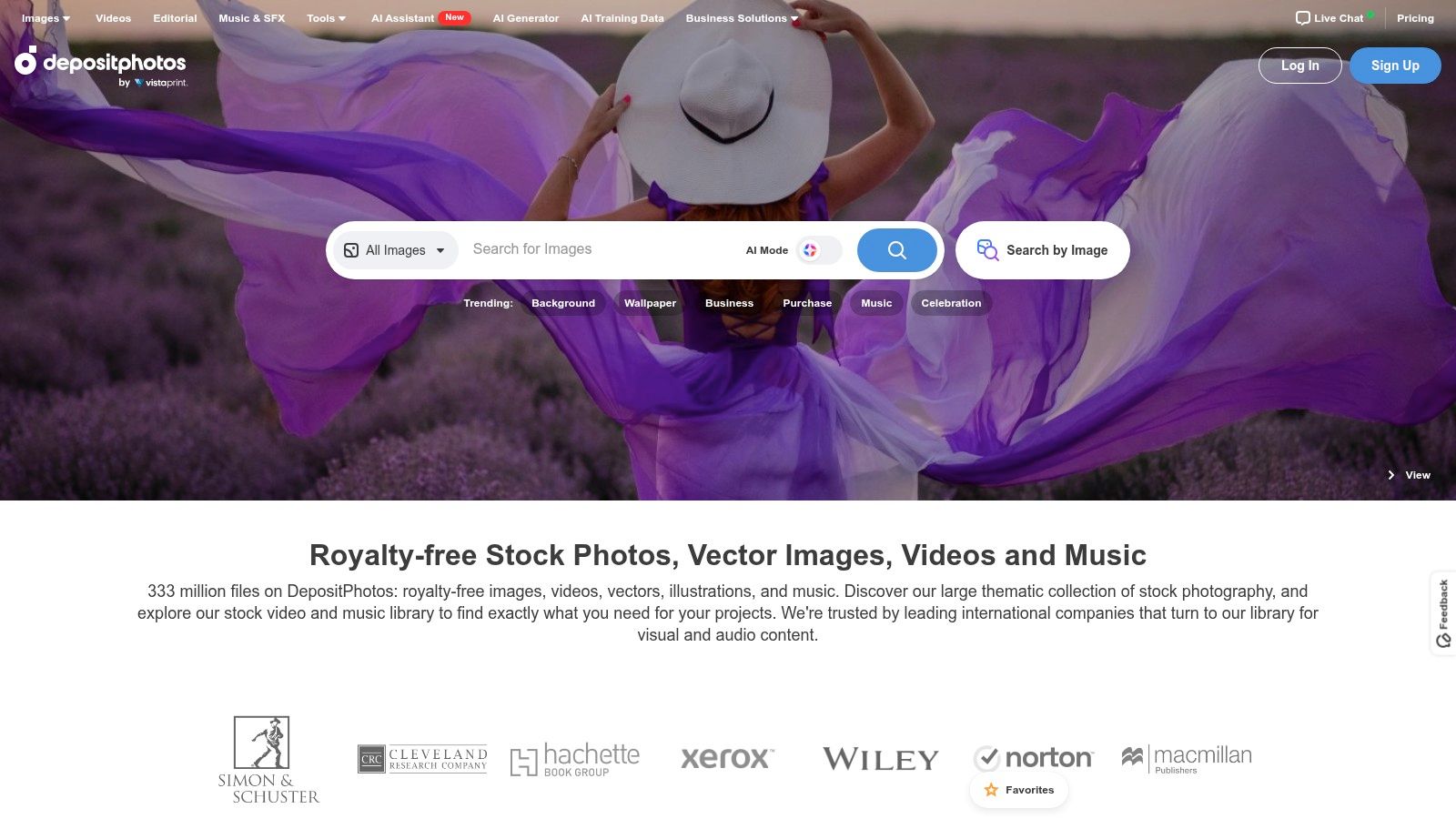
Choose authentic documentary scenes over polished studio mockups
Depositphotos is useful when a pamphlet needs context as much as polish. A brochure on a desk, in a reception area, or held in a hand can tell you more about use than a clean studio render.
The trade-off is search noise. Several high-resolution mockups in the results still hide the fold or make the headline area too small to read. You may also see near-identical options in a row, which slows down the review pass.
Quality varies too, so inspect the basics before you download. Check lighting consistency, fold realism, background clutter, and whether the page area leaves enough room for copy. If the image supports a brochure for a product launch, a service overview, or an event handout, it can do the job well. If the layout still feels untested, move on until the mockup matches the message.
6. Unsplash for candid, contemporary scenes
Unsplash is a strong choice when you want a modern, natural-looking image without starting with a paid asset. Its license supports free commercial use with restrictions, and the platform's visual style leans towards candid, contemporary photography rather than staged studio scenes. That works well for blog posts, social content, and lighter marketing pages where the image should feel current rather than corporate.
The free tier is the obvious benefit, but the search experience also helps. Brochure-adjacent imagery appears easily enough for quick sourcing, and Unsplash+ adds extra protections plus curated exclusives for teams that want more security or originality at Unsplash.
For proof-heavy layouts, EveryPage's photo proofing workflow is worth considering when the pamphlet is part of a feedback process rather than a finished hero image.
Good for mood, not always for structure
Unsplash often gives you lifestyle credibility, but it doesn't always give you the cleanest mockup. If your main requirement is a neatly visible fold, precise panel spacing, or a printable presentation of the front cover, the free library can feel light on studio-grade options. It also won't solve every commercial use case, especially where stronger indemnities or tighter control matter.
Use it when the message is about authenticity. A freelancer sharing a service pamphlet, a startup showing a simple product leaflet, or a charity putting a brochure into a real-world scene can all benefit from that softer, more lived-in look. The image should support the story, not dominate it.
7. Pexels for fast, free sourcing
Pexels is the quickest route when you need a usable pamphlet image now. Its free photos and videos, combined with a straightforward licence, make it practical for social posts, blog heroes, and lightweight marketing where the budget can't absorb stock fees. The direct pamphlet and brochure search pages also reduce the friction of finding something relevant fast at Pexels.
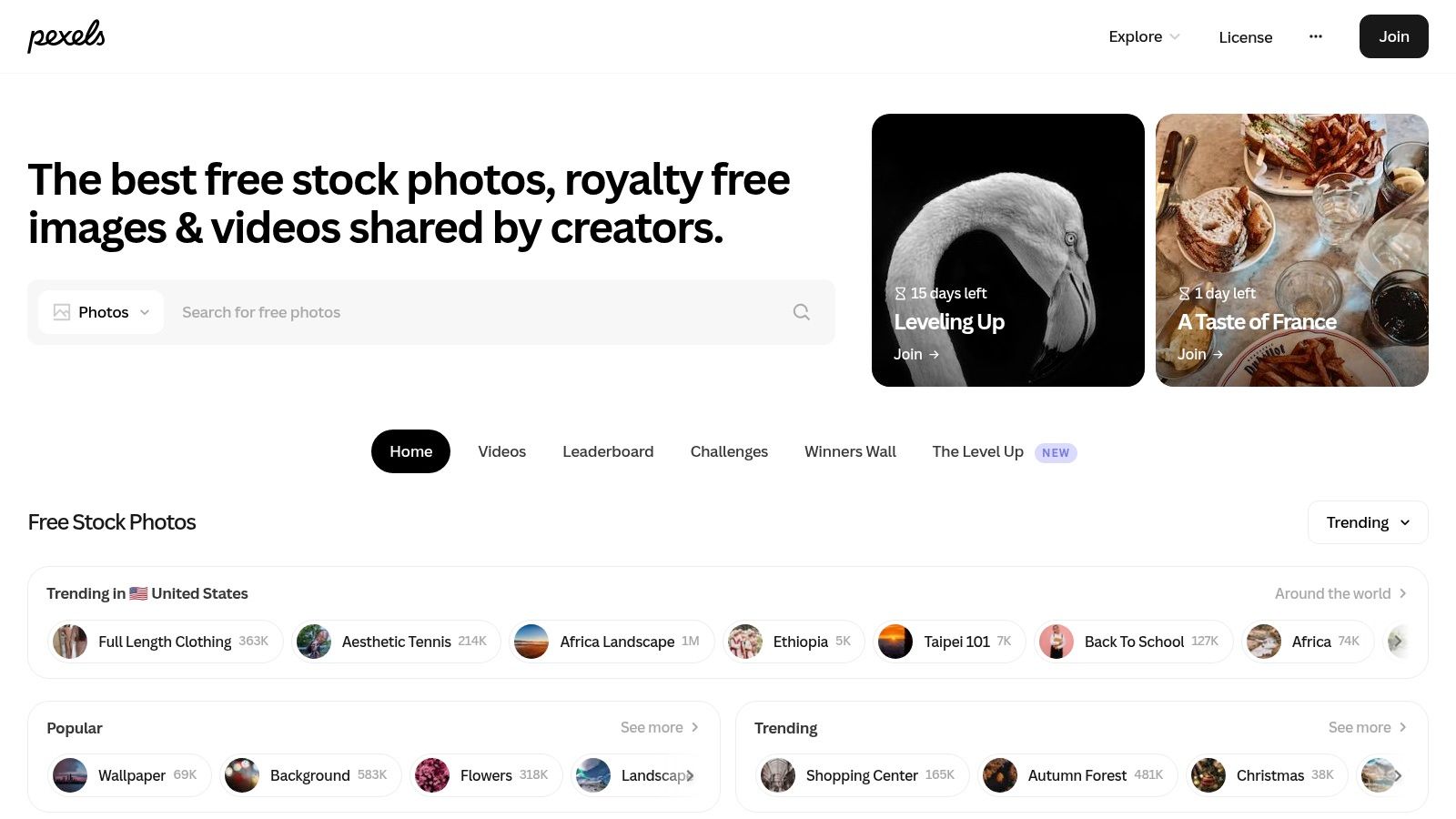
Use it for speed, then check the rights
The trade-off is depth. You'll usually get less variety in mockups than you would from a paid library, and not every image is suitable for high-risk commercial use. That means due diligence still matters, especially if the piece will be used in paid campaigns, presentations to investors, or client-facing collateral where rights clarity matters.
Pexels is often enough for a content team that needs an event stack, a hand-held brochure, or a clean desk scene to pair with an article. It is less convincing when you need a precise fold structure or a premium brand feel. If the image is doing heavy design work, move up a tier. If it's just supporting the page, Pexels keeps the workflow lean.
Top 7 Sources for Pamphlet Images
| Provider | Implementation complexity | Resource requirements | Expected outcomes | Ideal use cases | Key advantages |
|---|---|---|---|---|---|
| Shutterstock | Low, mature web UX and API options | Moderate, subscriptions or credit packs; enhanced license adds cost | Broad pamphlet coverage with mixed quality; predictable commercial licensing | Sales/marketing collateral and brand-safe visuals | Very large library, granular filters, clear license types |
| Adobe Stock | Medium, seamless if using Creative Cloud; standalone use possible | Moderate–High, subscriptions/credits; premium assets costly | High-quality, well-curated assets suited for compositing and retouching | Designers using Photoshop/Illustrator; layout and mockup work | Deep CC integration, strong curation and release coverage |
| Getty Images | Medium, licensing and editorial workflows can be complex | High, premium pricing; complex licensing for some editorial uses | Premium, editorially credible imagery for news-style authenticity | PR, editorial content, high-end campaigns needing credibility | High editorial credibility, Rights & Clearance support, explicit license guidance |
| Alamy | Medium–High, supports RF and RM workflows, per-use pricing | Variable, rights-managed can be costlier; RF available | Good for niche/editorial pamphlet shots and documentary scenes | NGO, public-sector, events, campaigns needing specific usage rights | Flexible RF/RM licensing, strong editorial intake, pricing guidance |
| Depositphotos | Low, typical microstock UX, simple purchase options | Low–Moderate, cost-effective subscriptions or credit packs; extended rights extra | Strong mockup and lifestyle coverage at budget prices; quality varies | Ongoing content needs, lightweight marketing, social assets | Economical for volume, easy release filtering, broad file types |
| Unsplash / Unsplash+ | Very Low, free downloads; paid Unsplash+ adds protections | Minimal–Moderate, free tier; Unsplash+ for extra legal coverage | Contemporary, candid lifestyle imagery; fewer studio mockups | Blogs, social, brand storytelling, low-budget campaigns | Zero-cost option, modern aesthetic; Unsplash+ adds legal protections |
| Pexels | Very Low, simple permissive license and download flow | Minimal, free to use (check releases for high-risk uses) | Good for quick social/blog imagery; lighter mockup depth | Social posts, blog hero images, rapid content needs | Free with permissive license, large pool of modern images |
Turn Pamphlet Inspiration into a Working Layout
The right source depends on the job. Use Shutterstock or Depositphotos when you want broad mockup exploration and enough variation to test several directions. Choose Adobe Stock when the design needs to be edited inside Creative Cloud. Reach for Getty Images or Alamy when the pamphlet image has to carry editorial credibility, documentary realism, or public-facing trust. Pick Unsplash or Pexels when a candid, lower-cost image is enough for the page and you don't need a dense mockup library.
Before you publish, make the image earn its place. Choose the fold and viewing angle first, then reserve clear space for the headline and any CTA. Test the layout at thumbnail size, because a pamphlet image that looks fine on a desktop mockup can become muddy in a feed or preview grid. Confirm the licence, model releases, and property releases before use, and compare the final PDF on screen rather than judging only from a static picture.
For teams that need the pamphlet itself to remain usable after distribution, EveryPage adds a different layer. You can share the finished document as a trackable link, watch views, time on page, read-through, and re-reads, and do it without storing reader IP addresses. The document can stay live permanently or be updated in place, which is a better fit for a durable marketing asset than treating it like a disposable transfer.
If you want to see how a brochure or pamphlet performs after the image stage, EveryPage gives you page-level analytics without reader accounts and without storing IP addresses. Visit EveryPage to share a PDF as a durable, trackable document and keep the link updated as the content changes.
See who reads your next PDF.
Try EveryPage free