7 Best Online Proofing Software Tools for Creatives
Nick · Published 26 August 2026
You've sent a proposal, campaign deck or client proof, and the feedback is arriving through email, chat and marked-up attachments. One reviewer comments on an old version, another asks for access, and a third says the video needs changes at a point nobody can find. The best online proofing software depends on the review, not on a universal feature list.
This comparison focuses on seven use cases. It looks at annotations, versioning, approval depth, supported assets, reviewer access, privacy, reporting and pricing. Browser-based PDF sharing solves a different problem from a regulated approval workflow. Video review needs frame accuracy, while packaging teams may need barcode checks and compliance controls. EveryPage is our product, so it appears here with its strengths and limitations stated plainly. It isn't ranked as the overall winner. Each tool is matched to the job it performs best.
Table of Contents
- 1. EveryPage
- 2. PageProof
- 3. Ziflow
- 4. Filestage
- 5. Frame.io
- 6. ReviewStudio
- 7. GoVisually
- Top 7 Online Proofing Tools Comparison
- Choose the Workflow Before the Tool
1. EveryPage
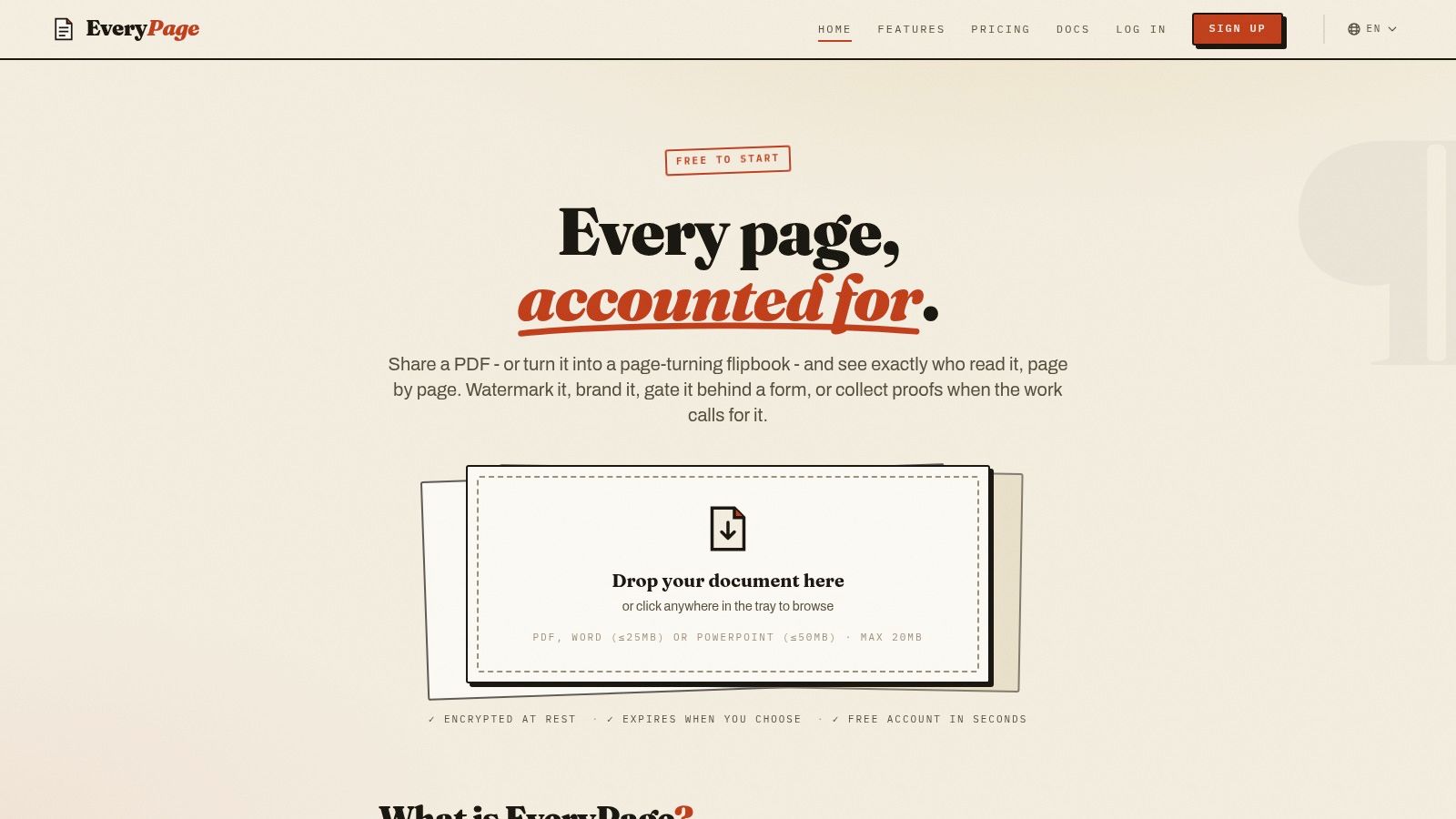
EveryPage is our product, and it's best suited to privacy-aware PDF sharing, readership insight and lightweight client proofing. It turns a PDF into a durable, trackable browser document rather than another attachment to lose in an inbox. Anyone can upload a PDF and receive a tracked link immediately without creating an account, while readers need no account or app to open it.
A founder can send a pitch deck and see which pages attracted attention, whether the recipient reached the financials and whether they returned later. A freelancer can share a proposal, collect comments and confirm that the client read the relevant sections. A photographer can use page-level selections and annotations for client proofing rather than managing a chain of separate image notes.
Where EveryPage is strongest
EveryPage records views, time on page, read-through behaviour and re-reads at page level. It does this without storing reader IP addresses, using pseudonymous identities for GDPR-friendly reporting. That distinction matters when a team needs evidence that a policy, proposal or investor deck was read, but shouldn't retain unnecessary identifying data.
The sharing model is deliberately low friction. Links can remain permanent and be updated in place through dynamic links, including QR codes, or the sender can choose expiry and self-destructing view controls. Documents are treated as durable assets, not disposable transfers. Security options include password protection, download controls and per-viewer watermarking.
Useful capabilities include:
- Viewer choice: Standard, flipbook, swipe and magazine modes suit different reading contexts.
- Proofing tools: Comments, annotations and photo proofing let reviewers mark pages, select options and add feedback.
- Distribution controls: Lead capture forms, custom domains, embeds, folders, CSV export and webhooks support repeatable publishing.
- Connections: Zapier, Make, Slack, GA4, WordPress and signed webhooks can connect document activity to existing operations.
EveryPage's flat account pricing is a practical alternative to seat-based tools. Plans include Free, Basic at $9 per month and Pro at $29 per month, with no per-user fees. Basic includes full page charts and password protection, while Pro adds advanced reader identities, email gates and CSV export.
The trade-off
EveryPage isn't a full virtual data room. Teams that need the most advanced enterprise governance, formal approval controls or compliance architecture may be better served by DocSend or a dedicated VDR. Some advanced features and exports also sit behind paid tiers, so high-volume users should test the relevant plan rather than assume the free tier will cover every workflow.
For a broader view of how EveryPage connects with other systems, see its integration options.
2. PageProof
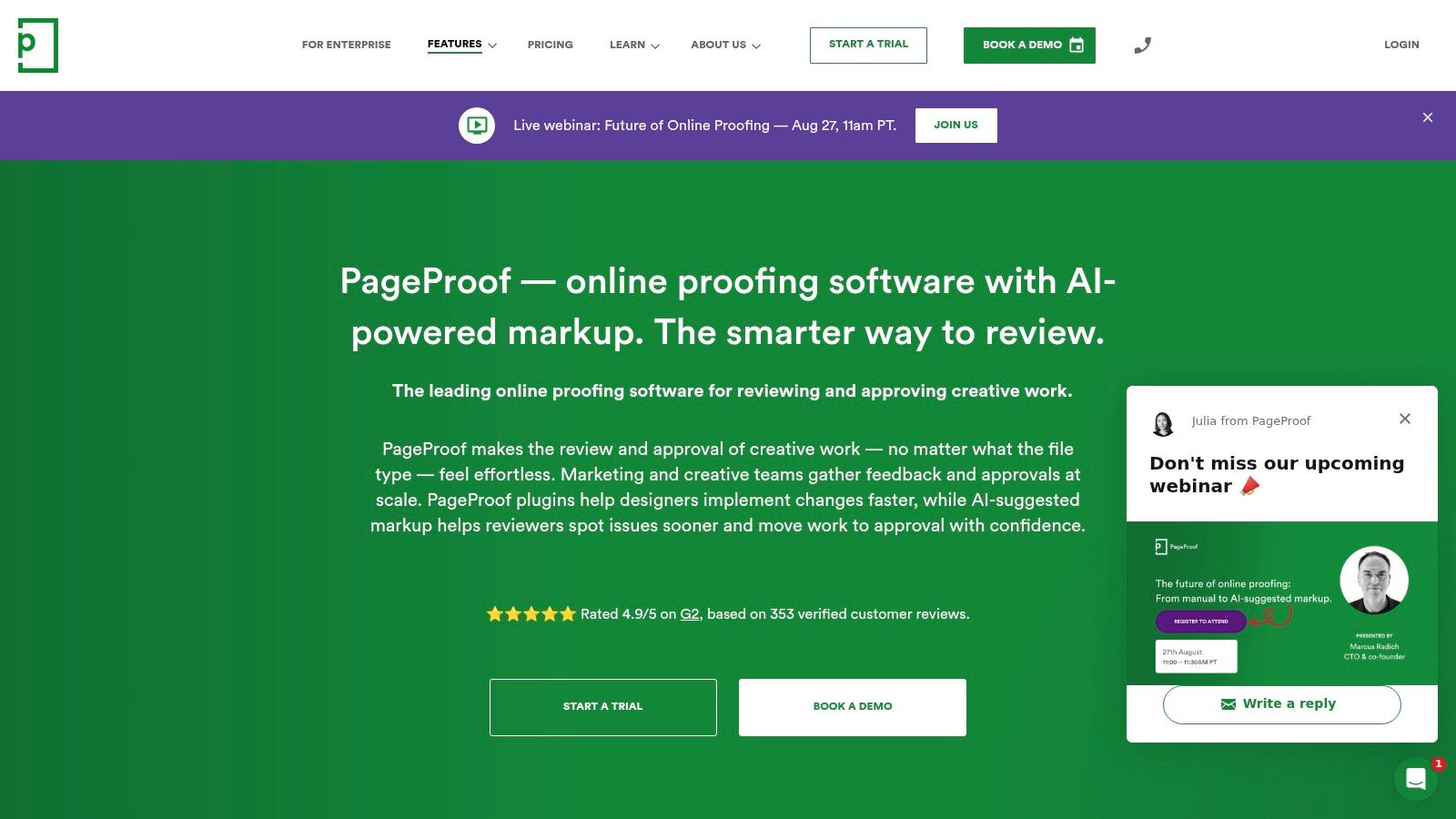
PageProof fits regulated creative teams that need formal approvals, audit trails and repeatable quality checks. A campaign moving through creative, brand, legal and compliance review benefits from automated workflows, reminders, checklists and approval templates, with the review record kept alongside the proof.
The practical difference is governance. A basic annotation tool records requested changes. PageProof records who reviewed an asset, which decision they made and whether each required check was completed. That history matters when teams need to show how a campaign reached sign-off.
Approval depth and quality control
PageProof handles print, video, interactive content and prototypes, so it suits production teams working across formats. Side-by-side and smart compare views make version changes easier to inspect. ColorSep colour-separation checks give print teams a way to catch production problems before handoff.
Barcode and QR checking, link scanning and AI-assisted capabilities through PageProof Intelligence extend review beyond visual annotations. They can flag issues in web and print content, but human reviewers still need to assess claims, layout and regulatory context.
Connections with Adobe Creative Cloud, monday.com, Asana, Jira, Slack and Teams help fit PageProof into an existing production stack. SSO and SCIM support also suit organisations that manage access centrally.
Who should choose it
Choose PageProof for multi-stage approval workflows, formal sign-off and repeatable compliance checks. It is more tooling than a freelancer needs for sending one PDF to a client, where browser comments may cover the job.
The trade-off is setup effort and enterprise-oriented pricing. Advanced workflows can take time to configure, particularly when several teams and approval rules are involved. PageProof is also less suited to private, page-level readership analytics for a durable PDF link. EveryPage addresses that separate use case with no-account sharing and IP-free analytics, while PageProof prioritises controlled review and documented approval.
3. Ziflow
Ziflow suits high-volume creative operations that review different asset types under one governed process. It supports video, audio, live web pages, Adobe files and print content. That range is useful when a team handles a landing page, campaign video, display advert and print-ready file within the same production programme.
Its main advantage is workflow control at scale. Teams can use unlimited reviewers, secure guest review, proof and folder links, intake forms, custom decisions, checklists and automated routing. Marketing operations can define what follows brand approval, legal review or a failed checklist instead of forwarding each new version manually.
A good fit for mixed production
Video teams can connect Premiere Pro, After Effects, Final Cut and Resolve. Print teams can apply rule-based checks and colour-separation tools, while marketing teams connect review activity to wider orchestration systems. ReviewAI checks defined rules automatically, helping reduce predictable errors before human review.
The practical gain is consistency. Project managers do not need to remember every required step for each job. Ziflow can prompt reviewers, apply decisions and retain the history of versions and comments.
Practical rule: Choose Ziflow for repeatable governance across formats, not merely because it has many integrations.
The trade-off is configuration effort. A small studio may not need this much workflow control, and pricing can increase as edition, user and storage requirements expand. Ziflow also overlaps with EveryPage only for selected PDF-sharing jobs. EveryPage supports instant, account-free distribution and reader behaviour reporting without stored IP addresses. Ziflow fits better when the central requirement is a controlled review pipeline with documented decisions.
Teams comparing workflow connections can also review EveryPage's integration directory to see how its approach differs.
4. Filestage
Filestage suits structured marketing approvals where reviewer groups need defined responsibilities. A campaign might move from marketing to legal, then to a client, while internal discussion remains separate from the external review.
Reviewer groups divide departments and approval stages. Marketing can check messaging, legal can assess claims, and the client can leave final comments without viewing internal conversations. Comments, decisions and review reports create a clearer handoff than a shared email thread.
Strong comparison and QA tools
Filestage supports overlay and text comparison, helping reviewers spot subtle layout or copy changes between versions. Workflow automation and Review Agents can check grammar, forbidden terms, compliance requirements, and barcode or QR content.
These controls suit brand teams handling recurring assets across marketing campaigns. They standardise review without requiring every stakeholder to learn a complex production system. Exportable reports also support handoffs and internal records.
For a PDF-focused explanation of annotation workflows, see EveryPage's PDF comments feature.
Where it may not fit
Filestage's pricing model and storage tiers need planning as a team grows. Seat bundles can make incremental expansion less flexible when a company relies on many occasional contributors instead of a stable core group. The platform also offers fewer native creative-tool plugins than some proofing suites.
EveryPage fits better when the deliverable is mainly a PDF requiring durable links, reader analytics, password protection and access without an account. Filestage fits better when the workflow depends on staged approvals, organised reviewer groups and internal-only comments. Choose it for review governance and comparison tools, not merely because it has many integrations.
5. Frame.io
Frame.io is best suited to video review and post-production, where feedback must connect to a precise moment in the cut. Reviewers can comment on an exact frame, giving editors context that maps directly to the timeline instead of a vague note about a scene.
Version stacks and comparison views separate the current cut from earlier versions. Sharing controls can include passphrases, link expiry, disabled downloads and disabled comments, while watermarking depends on the plan. Camera-to-Cloud workflows, transcription, captions and high-quality playback make the platform more relevant to production teams than to general document reviewers.
The production workflow matters
Frame.io fits teams already working around video timelines and production assets. Integrations with Adobe workflows and editing applications reduce repeated downloading, renaming and re-uploading during review.
A production team can share a cut, collect time-specific feedback, upload a revision and keep the review history together. That workflow addresses a different need from checking whether a prospect reached page twelve of a proposal.
Storage requires planning for footage-heavy projects. High-resolution media can lead to plan upgrades, and per-member pricing makes total cost depend on who needs to upload, manage or review content.
Frame.io is less suitable for PDF-first marketing QA, packaging checks or page-level document readership. EveryPage better serves a founder sharing a pitch deck, a consultant distributing a report or an agency tracking proposal readership. Choose Frame.io when annotations must follow moving images with precise timing, not when the main deliverable is a document.
6. ReviewStudio
ReviewStudio is best for lightweight agency proofing across video, images, documents, PDFs and live web content. It offers a friendlier starting point than enterprise proofing suites, which helps agencies that need clients to contribute quickly without a long onboarding session.
The platform includes comparison and presentation modes, client and project teams, comment privacy and checklists on relevant plans. Support for PSD and TIFF files is useful for design work, while document and HTML review keeps mixed-media projects in one place.
Simple review without enterprise weight
ReviewStudio's free Starter tier allows unlimited users but limits active reviews, and a full-feature trial gives teams a way to test the workflow before committing. That structure can work for a freelancer, a small agency or an in-house team with occasional review peaks.
Advanced plans add useful print-oriented features such as colour separation, while higher tiers provide API access and more control for larger operations. Storage allocated per user can become a consideration for teams reviewing substantial media libraries.
EveryPage is a stronger fit for PDF distribution when privacy and readership evidence matter. It provides page-level analytics without storing reader IP addresses, permanent or replaceable links, viewer modes and no-account access for both sender and reader. ReviewStudio is more suitable when the team must review several asset formats in one workspace.
For photographers and visual teams, EveryPage's photo proofing workflow offers a focused alternative for page-level selections and comments.
ReviewStudio's limitation is its smaller integration catalogue compared with Ziflow or PageProof. SSO, custom domains and other enterprise controls are limited to Enterprise plans, so teams should verify those requirements before treating it as a long-term platform.
7. GoVisually
GoVisually suits client-facing creative review, especially packaging and label compliance. It supports PDFs, images, video and GIFs, with contextual comments and annotations that let reviewers identify the exact area needing attention.
Its main strength is external collaboration. Creative teams can share a design, collect feedback from several clients and keep comments, decisions and project history together. Pro features include unlimited external reviewers, branding options, templates and integrations with Zapier, Slack and Adobe.
A distinctive packaging use case
GoVisually's CPG Compliance AI Suite gives packaging teams a focused way to check labels against regulatory frameworks. Barcode and QR verification, market-specific rules and automated compliance checks address requirements that standard campaign review may not cover.
This can keep packaging checks inside the same review process instead of sending them to a separate system. Brand teams can also distinguish creative feedback from compliance issues before approval.
“The simplest reviewer experience is often the one clients actually use.”
The trade-off is shallower enterprise governance than PageProof or Ziflow. The Lite plan excludes video and GIF support and limits sections and checklists. Teams with strict IT requirements should also review storage and project limits before choosing it.
EveryPage remains better suited to durable PDF sharing, private page-level analytics and flat account pricing. GoVisually fits teams that need visual annotations, external approval and several creative formats, with packaging compliance as a particularly useful specialist workflow.
Top 7 Online Proofing Tools Comparison
| Solution | Implementation complexity | Resource requirements | Expected outcomes | Ideal use cases | Key advantages |
|---|---|---|---|---|---|
| EveryPage | Low, plug-and-play tracked links, minimal setup | Minimal, browser uploads, small team, low storage | Page-level, privacy-first readership analytics and basic proofing | Sales/proposals, investor decks, client proofing where privacy matters | Granular page analytics, pseudonymous tracking, dynamic links, predictable flat pricing |
| PageProof | Medium–High, enterprise workflows and policies to configure | Moderate–High, admin, SSO/SCIM, integrations, larger teams | Strong audit trails, compliance-ready approvals and reduced print/web errors | Regulated teams, enterprises requiring multi-stage approvals | Deep compliance/audit support, automated workflows, AI-assisted quality checks |
| Ziflow | Medium, workflow automation and rules configuration | Moderate–High, creative tool plugins, reviewers at scale | Scalable, cross-format proofing with governance and automated checks | Creative, video, and enterprise agencies handling many file types | Wide file support (1,200+), unlimited reviewers, ReviewAI, strong integrations |
| Filestage | Medium, structured reviewer groups and automation setup | Moderate, seat/storage planning, team coordination | Streamlined multi-stage approvals with clear decision tracking | Marketing/brand teams standardizing reviews and content QA | Reviewer groups, pixel/text compare modes, exportable reports, review agents |
| Frame.io | Low–Medium, integrates with Adobe production workflows | Moderate–High, heavy storage needs, per-member seats for editors | Efficient video review, timecode-accurate feedback and version control | Post-production, editorial teams, Camera-to-Cloud workflows | Frame-accurate comments, deep Adobe integration, camera-to-cloud and playback features |
| ReviewStudio | Low, simple onboarding and approachable UI | Low, generous free tier, small-team friendly | Essential multi-format proofing with quick client adoption | Small agencies, in-house teams needing basic proofing on a budget | Straightforward pricing, generous free tier, easy onboarding |
| GoVisually | Low–Medium, client-focused setup with project templates | Low–Moderate, project/storage limits, optional compliance add-on | Client-friendly approvals and specialized label/CPG compliance checks | Creative/brand teams and packaging/label workflows | Unlimited external reviewers (Pro), CPG/label compliance AI suite, simple client adoption |
Choose the Workflow Before the Tool
Start with the asset, not the vendor. If most reviews involve PDFs, proposals, reports, brochures or investor decks, you'll probably value browser access, page-level feedback, reader reporting and low-friction sharing more than a large approval engine. EveryPage is our product and fits that use case with durable, updatable links, optional expiry, four viewer modes, comments, photo proofing and analytics that don't store reader IP addresses. Senders and readers don't need accounts, and flat per-account pricing means the cost doesn't increase because more clients or stakeholders need to view a file.
EveryPage's honest limitation is that it isn't a full virtual data room. If your organisation needs advanced enterprise controls, formal governance or a more extensive secure-sharing environment, DocSend or a dedicated VDR may suit you better. DocSend's secure sharing plans are listed at $10 per user per month, $45 per user per month and $150 per month on its pricing page, so compare the pricing model as well as the feature set. DocSend's published pricing illustrates why a flat account model can matter for teams with many viewers.
Choose PandaDoc when e-signatures and contract workflows are the primary requirement. PandaDoc's published pricing is seat-based, with Starter at $19 per seat per month annually or $35 monthly, and Business at $49 annually or $65 monthly. Its product positioning around templates, approvals, CRM integrations, document analytics and signatures makes it a stronger contract workflow choice than EveryPage. See PandaDoc's pricing information before comparing total costs.
For creative teams, the decision path is clearer:
- PageProof or Ziflow: Choose these for governed, multi-format workflows, automation, audit trails and complex approvals.
- Filestage: Choose it for structured marketing approvals, reviewer groups, private internal comments and content QA.
- Frame.io: Choose it for video production, frame-accurate comments and post-production workflows.
- ReviewStudio: Choose it for approachable, lightweight review across mixed media.
- GoVisually: Choose it for packaging, labels and client-friendly visual approval.
Before buying, list the assets your team reviews. Count approval stages, test guest access with real clients, compare versions using representative files and verify whether annotations are precise enough for the work. Then confirm integrations, privacy controls, retention settings, storage rules and the total price, including seats, upgrades and any limits that affect your workflow.
EveryPage offers durable PDF sharing, page-level readership analytics without stored IP addresses, no-account access for senders and readers, viewer modes, proofing feedback and flat per-account pricing. If that matches the way your team shares proposals, reports, decks or creative proofs, visit EveryPage and test the workflow on a real document.
See who reads your next PDF.
Try EveryPage free