Best Flipbook Software: 7 Platforms Compared
Nick · Published 28 August 2026
A founder sends an investor pitch deck, a freelancer shares a proposal with a new client, and a photographer delivers a gallery of proofs. All three can start with a PDF, but they don't need the same publishing tool. A convincing page-flip effect matters less than a usable mobile viewer, dependable embeds, meaningful analytics, sensible access controls and pricing that fits the team.
That's why the best flipbook software depends on the job. A sales team may need page-level engagement and lead capture, while a publisher may care more about branded catalogues, distribution and social repurposing. A compliance team may prioritise governance and access restrictions, and a freelancer may want a professional link without adding another per-user subscription.
The comparison below separates viewer presentation, analytics, controls, integrations and pricing. Competitor features and prices are included only where the supplied product information supports them.
Table of Contents
- 1. EveryPage
- 2. FlippingBook
- 3. Flipsnack
- 4. Issuu
- 5. Publuu
- 6. Paperturn
- 7. Heyzine
- Top 7 Flipbook Software Comparison
- Choose the Platform That Matches Your Workflow
1. EveryPage
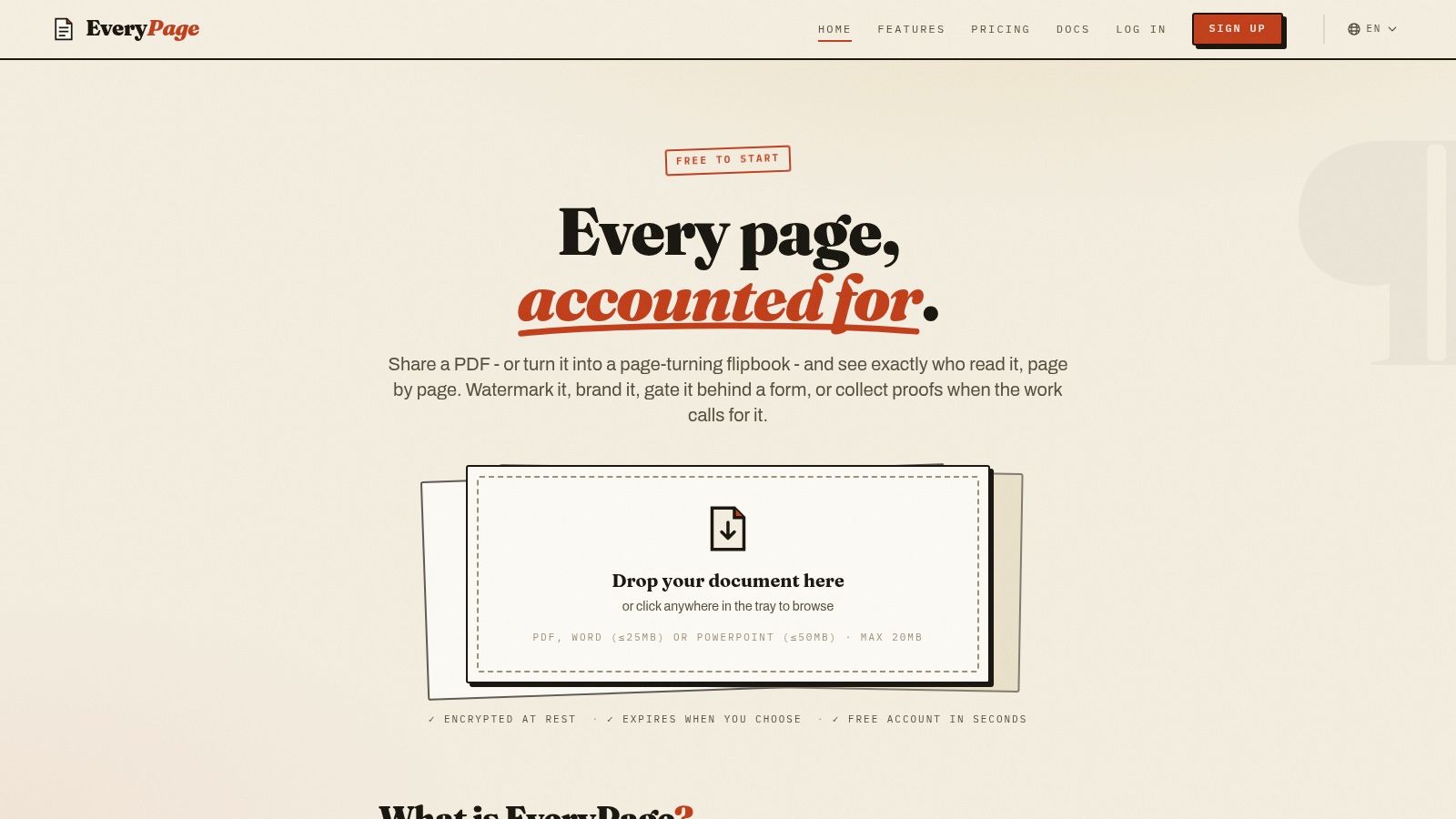
EveryPage is our product, and it's designed for teams that need more than a decorative page-turn animation. It turns PDFs into browser-based, measurable assets, with four viewer modes: standard, flipbook, swipe and magazine. Readers don't need an account or an app, and anyone can upload a PDF and receive a tracked link immediately, even before creating a full workspace.
The strongest reason to choose EveryPage is its page-level analytics. You can see views, time on page, read-through funnels, re-read rate and document engagement scoring, rather than relying on a single total-view number. A founder can identify whether an investor reached the financials, a freelancer can confirm that a client opened the recommendations, and a photographer can see which proof pages received repeat attention.
EveryPage is also privacy-first. It uses pseudonymous reader identities and doesn't store reader IP addresses, which supports a GDPR-friendly approach to engagement reporting. Readers still get a frictionless experience, while teams can use email gates or custom forms when they need verified contact details.
Durable links and practical controls
EveryPage treats documents as durable, trackable assets. A dynamic link or QR code can remain valid after you replace the underlying file, so a printed brochure, proposal URL or policy link can be updated in place. Expiry and self-destructing view budgets are optional controls, not the default definition of the document.
Security features include password protection, copy, print and right-click blocking, domain allowlists, per-viewer watermarking and encryption at rest using AES-256-GCM. Lead capture, comments, annotations, photo proofing, interactive hotspots, embeds, folders and CSV export extend the platform beyond ordinary PDF sharing.
Pricing is flat per account, with Free, Basic at $9 per month and Pro at $29 per month, with no per-user fees. Integrations include Zapier, Make, WordPress, signed webhooks, Slack and GA4. The honest limitation is that EveryPage isn't a full virtual data room. Teams needing detailed deal-room permissions and enterprise VDR workflows may prefer DocSend or a dedicated VDR. Reader identities are pseudonymous by default, so verified identity requires an email gate or lead-capture form.
Practical rule: Choose EveryPage when readership evidence, privacy and durable distribution matter as much as the visual presentation.
Visit EveryPage to compare the available workflows and viewer modes.
2. FlippingBook
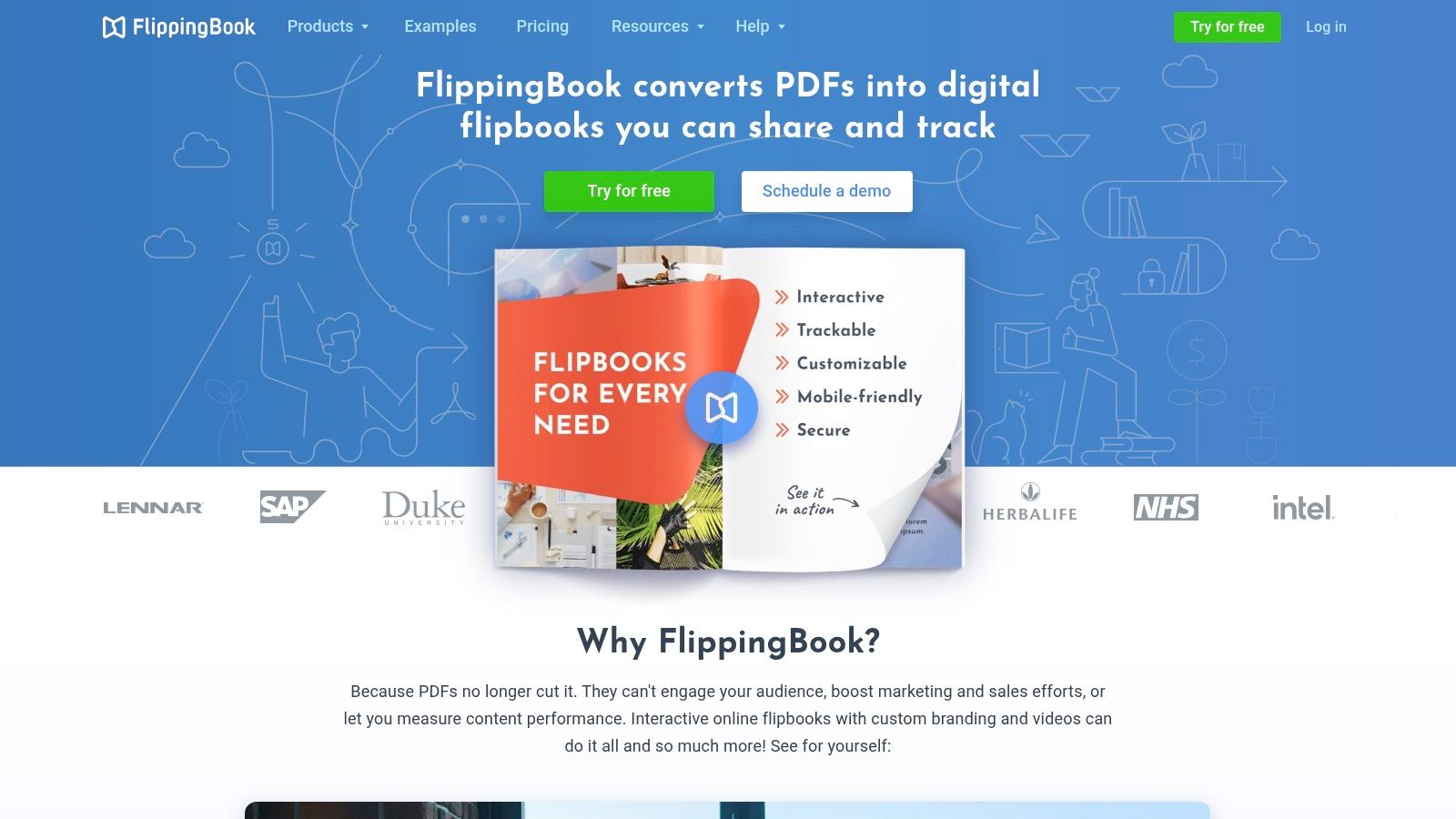
FlippingBook fits organisations that publish polished brochures, reports and sales collateral repeatedly. Its core strength is the presentation layer, with page-flip, slide and single-page HTML5 viewing designed for browser and mobile use. Branding controls, custom domains, lead forms and trackable links make it a natural fit for a marketing team that wants every publication to look consistent and support attribution.
The platform also suits larger publishing operations that need more formal controls. Its supplied feature set includes SSO, multi-domain support and optional self-hosting on higher tiers, which can matter when a security or IT team needs to review how publications are hosted and accessed. Built-in analytics cover page-level engagement, and Google Analytics support can connect the publication to a broader measurement setup.
A catalogue manager might use FlippingBook for a collection of seasonal product guides, while a sales leader could give each representative a trackable link for a proposal or account-specific deck. The workflow is mature and repeatable, but it's not the same as starting with a blank canvas. You'll generally upload an existing PDF rather than design the entire publication inside the platform.
Check the plan boundary
The main trade-off is tiering. Advanced analytics, self-hosting and some export or offline options are reserved for higher plans or the desktop product, so a buyer should confirm the exact package before committing. Basic online plans may be sufficient for branded web viewing, but they may not cover a team that needs HTML5 export or tighter hosting control.
FlippingBook is therefore a strong choice for enterprise publishing, sales enablement and recurring branded distribution. It's less compelling for a small operator who mainly wants privacy-first analytics and a flat account price. For a direct comparison of the presentation format, see this guide to PDF flipbook publishing with EveryPage, then test the same document in both viewers.
FlippingBook makes more sense when publishing governance and brand consistency justify a higher-tier setup.
Its limitation is that the most important enterprise capabilities aren't necessarily part of the entry-level online plan. That's a manageable compromise for larger teams, but a poor fit if you need the full feature set at lightweight pricing.
3. Flipsnack
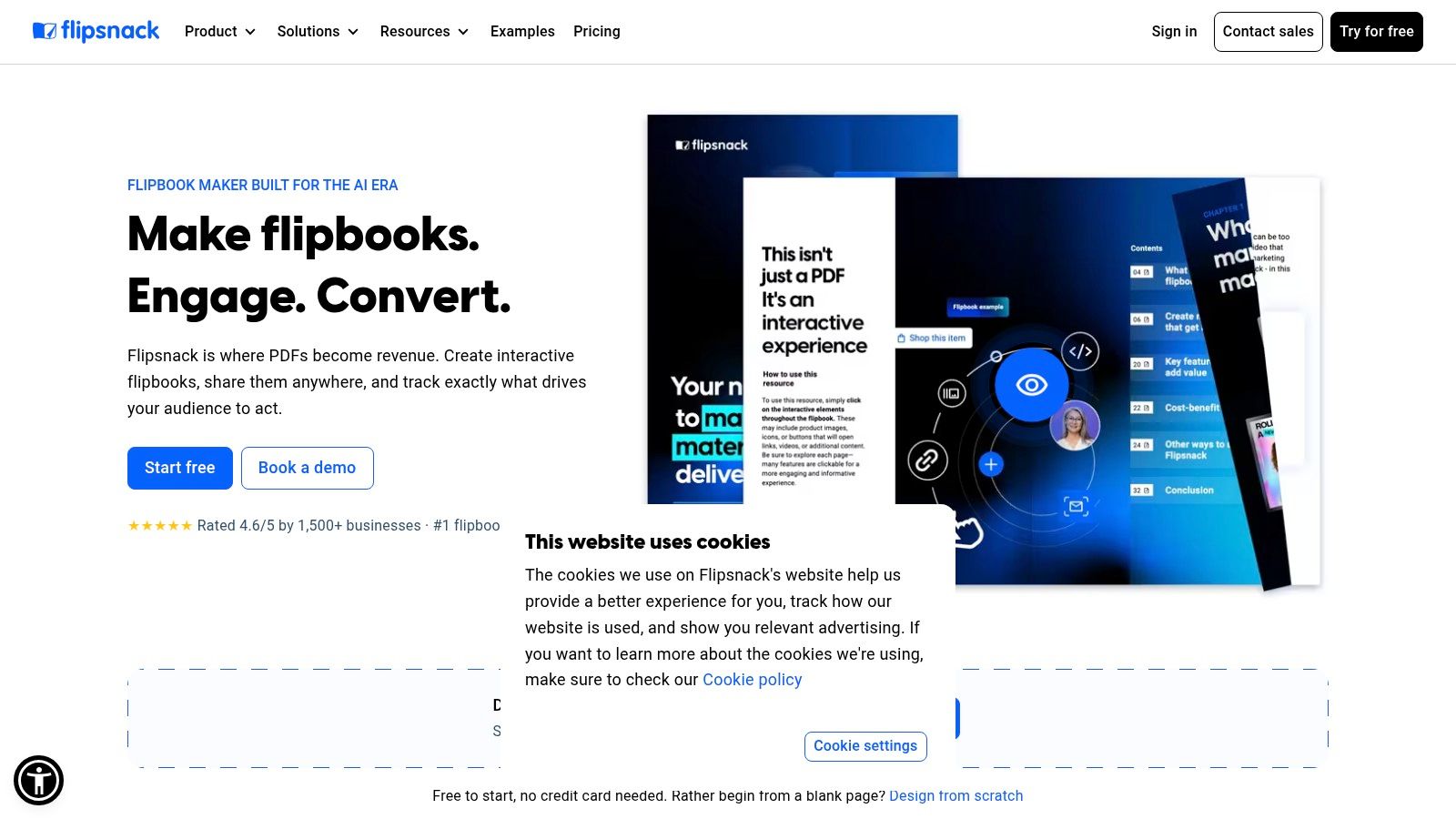
Flipsnack is the design-led option for marketing teams that want to create as well as publish. Instead of treating the PDF as the end of the creative process, it combines an editor and template-driven studio with flipbook distribution. That makes it useful for a retail marketer building a catalogue, a design team preparing a magazine or a content team producing branded lead magnets without moving between several tools.
The platform supports lead forms, video, charts and other interactive elements, alongside custom domains and white-label branding on higher plans. Native statistics and Google Analytics integration give marketing teams a way to assess publication performance, while bookshelves and branded emails support distribution across a larger content library. Higher plans also add features such as SSO and automation.
That breadth comes with a familiar cost. The free plan can help with basic testing, but it includes a watermark, and the features that make Flipsnack attractive to a professional brand, such as custom domains, HTML5 downloads and full branding, sit behind higher tiers. Monthly billing is also described as more expensive than annual commitment, so teams should compare the complete annual cost rather than judging the entry point alone.
Best for content production
Flipsnack works best when the publishing workflow begins with design. A marketing team can create a catalogue, add interactive product elements and distribute it through branded channels. It's less suited to a buyer whose existing PDF is already finished and whose primary question is, “Which individual pages did this prospect read, and did they return?”
EveryPage is our product and offers a different emphasis, with privacy-first, page-level analytics, four viewer modes, no-account reader access and flat per-account pricing. Flipsnack may fit better when the built-in design studio is the deciding factor. For teams comparing the two approaches, this Flipsnack alternative from EveryPage explains the distinction without treating either workflow as universal.
Best fit: Choose Flipsnack when design flexibility and branded publication production matter more than privacy-first reader identification.
Its limitation is that many distribution and branding controls require a higher plan. If your team only needs a clean tracked link for a handful of documents, the editor may be more platform than you need.
4. Issuu
Issuu is built around distribution as much as document presentation. It provides embeddable flipbooks, social repurposing tools and a familiar reader experience, making it a practical choice for publishers and marketing teams that want to turn one publication into several content formats. A magazine can become articles, GIFs or social posts, while the original flipbook remains available for readers who prefer the full issue.
Its marketing workflow is particularly relevant for teams using HubSpot. Higher-tier features support lead-generation forms and advanced embeds, and the HubSpot app can connect gated content with HubSpot forms and CRM-aligned engagement tracking. That makes Issuu more suitable than a simple viewer for a content team that already has an established acquisition and nurture process.
The trade-off is complexity around plans. The supplied product information notes a history of pricing changes, user dissatisfaction with some plan changes and support responsiveness, while many advanced capabilities require higher-cost tiers. Buyers should check the current commercial terms and test the exact embed and gating experience before moving a public campaign across.
Distribution versus private readership
Issuu suits public-facing content, especially magazines, reports and marketing publications intended for broad circulation. It's not automatically the right answer for a confidential proposal or an internal policy where the central requirement is controlled, privacy-conscious readership evidence.
EveryPage is our product and takes the opposite starting point. Readers need no account, shared documents can use permanent or optional expiring links, and page-level analytics are available without storing IP addresses. EveryPage doesn't offer Issuu's broader content-distribution identity, so Issuu fits better when social repurposing and an established publishing audience are central.
A useful test is to publish one representative issue, embed it on the website and walk through the HubSpot form from a mobile device. Check whether the hand-off preserves the data your marketing team uses.
For a more focused magazine workflow, compare the requirements against this PDF magazine publishing option from EveryPage. EveryPage's limitation here is clear: it provides strong document tracking and controls, but it isn't a substitute for Issuu's broad distribution ecosystem.
5. Publuu
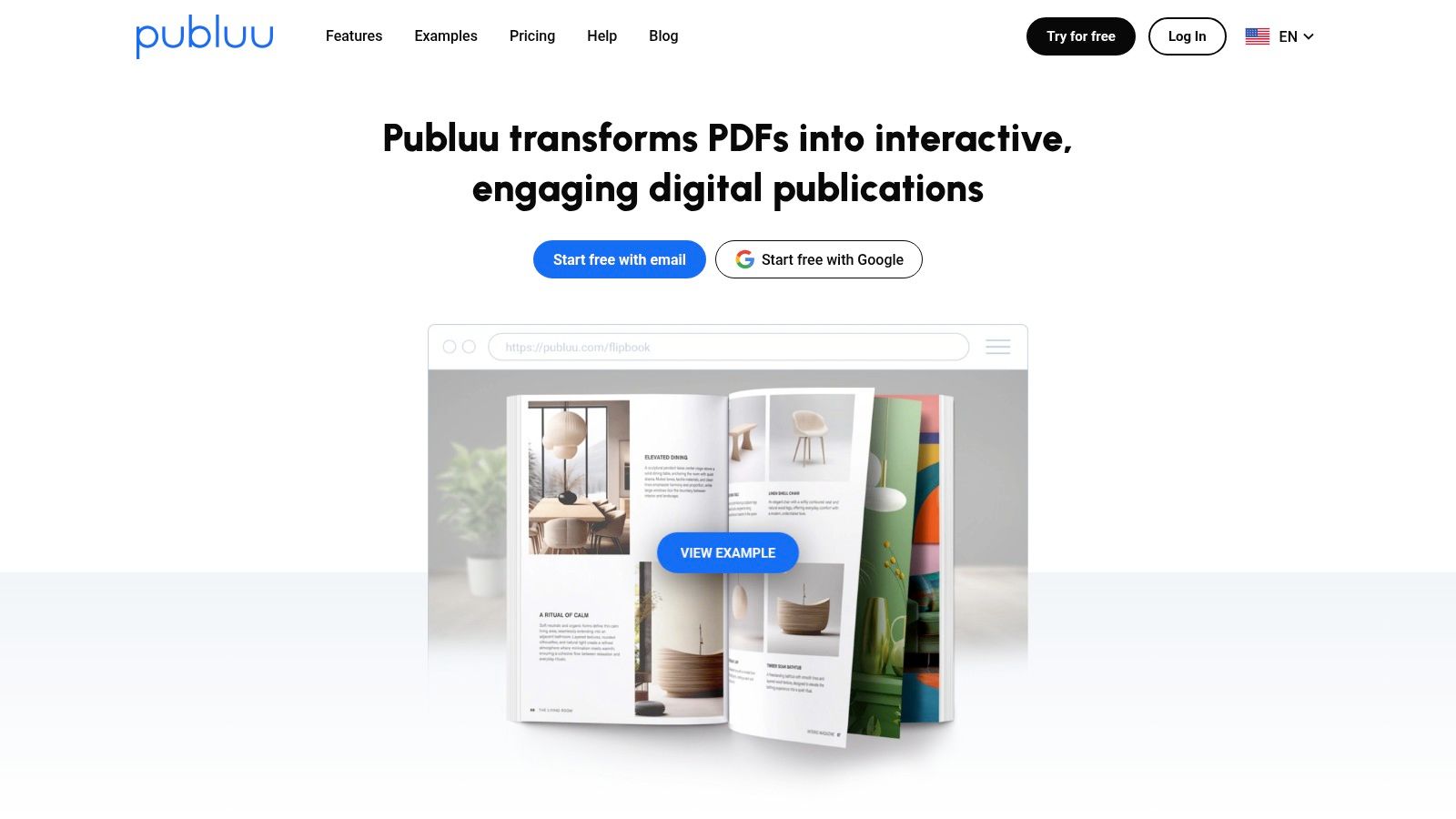
Publuu is a practical match for small and medium-sized businesses producing catalogues, brochures and product-led publications. Its feature set combines custom domains, password protection, lead forms, tracking links and advanced statistics with Google Analytics integration. That gives a catalogue team more than a basic page-flip viewer without forcing it into a highly enterprise-oriented publishing process.
The product-tagging and wishlist features are particularly relevant to retail and ecommerce-adjacent work. A product brochure can include tagged items, while a bookshelf can organise several catalogues or collections for visitors. Analytics export also helps a marketing team move publication data into its wider reporting process.
A furniture retailer, for example, might use Publuu to present a seasonal range, group related issues on a bookshelf and guide readers towards product pages. The flipbook remains useful as a visual catalogue, while the tags and collection structure support browsing beyond a single PDF.
Catalogue features come first
Publuu's strength is balance. It provides more catalogue-oriented functionality than a lightweight flipbook builder, but it remains easier to position than a full enterprise publishing suite. The main compromise is tiering. Advanced branding and automation features sit on higher plans, and the mobile app and push notifications require the top plan described in the supplied information.
That matters if your distribution plan depends on a branded app rather than a web publication. It also matters if your team expects automation and white-label controls at the entry level.
EveryPage is our product and can cover catalogues through durable links, QR codes, interactive hotspots, custom domains, folders and page-level analytics. It may be the better choice when the commercial question is reader depth, repeat visits or privacy rather than product browsing. EveryPage's limitation is that it isn't specifically positioned around ecommerce catalogue functions, so Publuu fits better when product tags and wishlists drive the workflow.
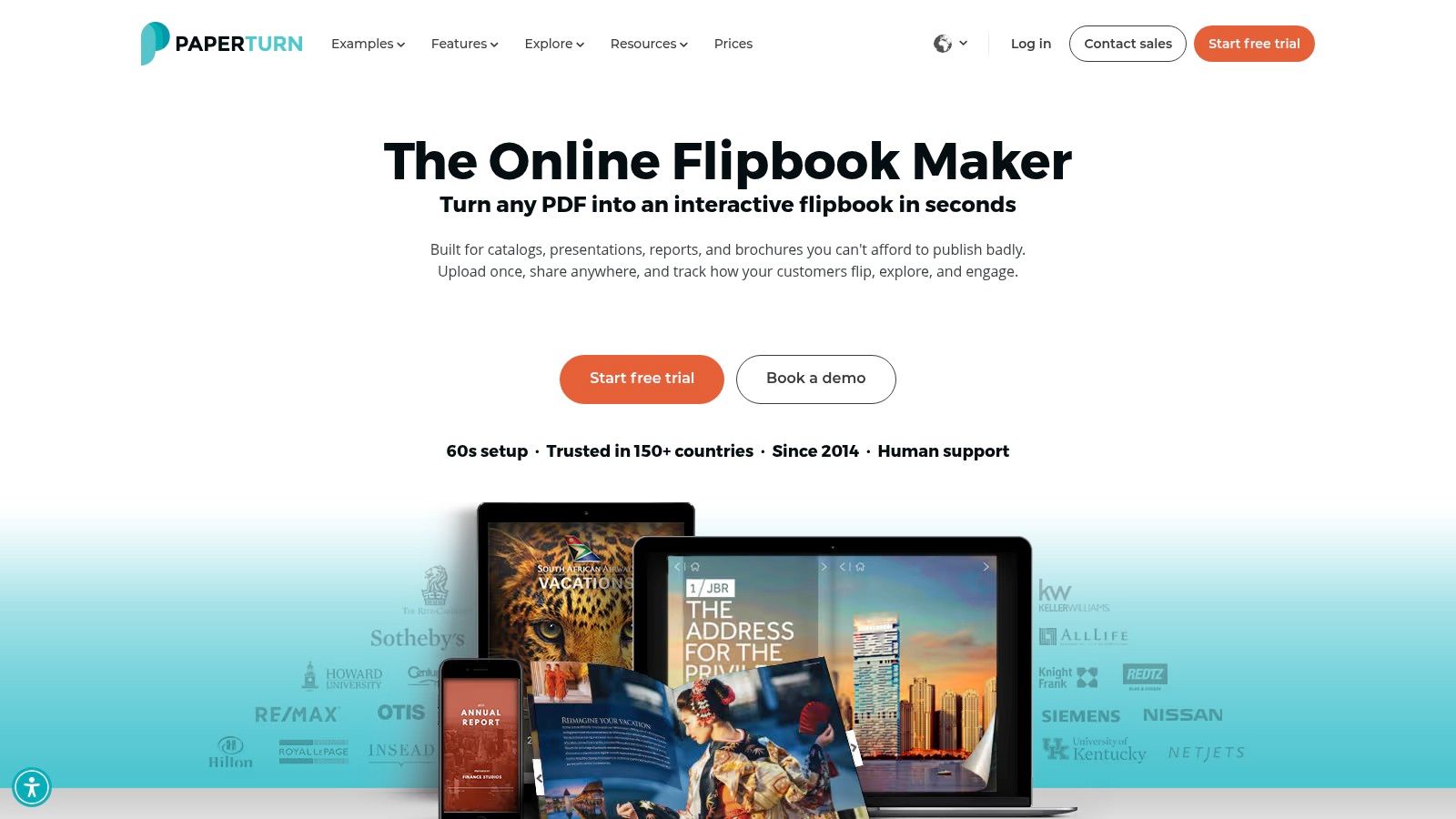
6. Paperturn
Paperturn is the security-conscious choice for organisations that need flipbook presentation alongside documented governance. Its supplied feature set includes encryption at rest, password protection, IP whitelisting, analytics export, lead-capture forms, bulk link automation and role-based access controls. It also supports Google Analytics 4 and Google Tag Manager integrations, which can help teams connect publication activity to an established measurement stack.
That combination suits regulated or compliance-sensitive environments. An operations team circulating policies may care about access boundaries and reporting history more than realistic page shadows. A retailer with a large catalogue may value bulk link automation and export, while a communications team may need custom domains and controlled lead capture.
The platform's privacy positioning is stronger than that of a basic public viewer, but it's important to distinguish IP allowlisting from IP-free analytics. Allowlisting can restrict access by network or address. It doesn't mean reader IP addresses aren't used in the surrounding workflow. Organisations with strict data-minimisation requirements should ask exactly what is collected, retained and exported.
Security needs a plan review
Paperturn's main drawback is price and plan complexity. The supplied information describes pricing as higher than many small-business tools, with page and file-size limits varying by plan. A team publishing large catalogues should confirm those limits before signing, especially if older archives and high-resolution creative files must stay available.
EveryPage is our product and offers a different privacy model, with page-level readership analytics without storing IP addresses, optional passwords, watermarking, domain controls and durable links. EveryPage is not a full virtual data room and doesn't replace every enterprise permission workflow, so Paperturn may fit better when role-based access and a documented security posture take priority.
Security test: Ask whether the platform's analytics, access controls and exports match your organisation's data policy, not just whether the viewer looks professional.
7. Heyzine
Heyzine keeps the workflow lightweight. It's suited to a freelancer, small business or creative team that needs brochures, portfolios and catalogues online without adopting a complex enterprise publishing system. The interface is designed for quick publishing, with clean embeds, reader statistics, lead-generation forms and white-label options available at paid tiers.
The platform's supplied strengths include an affordable structure, a free plan for testing and a Standard annual plan that supports unlimited flipbooks. Higher tiers add features such as offline downloads and custom URLs or DNS. That makes Heyzine a sensible starting point for a photographer sharing a portfolio, a local business publishing a brochure or an agency producing several client-facing documents.
The limitation is discoverability. Pricing and plan details are displayed in-app rather than through a conventional public pricing page, so comparing the total cost and feature boundaries requires more investigation. Heyzine also has fewer enterprise controls and integrations than FlippingBook, Paperturn and Flipsnack.
Simple publishing, fewer deep workflows
Heyzine works when the priority is getting a clean publication online quickly. It's less suitable for a sales organisation that needs integrations, detailed governance or a broad automation layer. Readers can engage with the document, but the platform isn't presented as a full document intelligence system.
EveryPage is our product and offers more depth around page-level analytics, including time on page, read-through funnels and re-read rate, as well as privacy-first pseudonymous identities without stored IP addresses. It also supports no-account sharing, dynamic links, QR codes, lead capture and integrations such as Zapier, Make, Slack, webhooks and GA4. EveryPage's honest limitation is that its wider feature set may be unnecessary for someone who only wants a simple brochure viewer.
Choose Heyzine when ease and low overhead matter more than enterprise administration. Before publishing, test the free workflow with the longest or most image-heavy document you expect to use, then verify the paid features you need.
Top 7 Flipbook Software Comparison
| Product | Implementation complexity | Resource requirements | Expected outcomes | Ideal use cases | Key advantages |
|---|---|---|---|---|---|
| EveryPage | Low, fast setup, no-account sharing flow | Minimal, flat pricing, free tier (3 PDFs), no per-user fees | Privacy-first reader analytics and secure, controllable sharing | Sales proposals, investor decks, client deliverables, creative proofing, policy distribution | Granular page-level analytics, pseudonymous IDs, strong sharing controls, durable dynamic links |
| FlippingBook | Medium, branding/SSO and optional self-hosting add complexity | Moderate–high, enterprise tiers or self-hosting require IT/ops | Branded flipbooks with enterprise tracking and controlled distribution | Enterprise publishing, sales/marketing workflows requiring security and attribution | Strong branding controls, SSO, optional self-hosting, page-level analytics |
| Flipsnack | Low–medium, template/editor focused, higher tiers for automation | Moderate, editor tooling; branding/HTML5 export on paid plans | Polished, design-forward publications ready for marketing use | Marketing and design teams producing branded flipbooks and campaigns | Rich editor/templates, interactivity (video/charts), Zapier and GA integrations |
| Issuu | Low, easy publishing and embeds; integrations add setup | Moderate, advanced gating and CRM integrations on higher tiers | Wide distribution and social repurposing with CRM-linked lead capture | Content marketing at scale, distribution-heavy campaigns, CRM-driven lead gen | Large distribution network, HubSpot integration, content repurposing tools |
| Publuu | Low, straightforward flipbook creation | Low–moderate, budget-friendly plans with generous limits; higher tiers for branding | Cost-effective catalogs/brochures with ecommerce-adjacent features | SMB catalogs, product brochures, digital catalogs for ecommerce | Competitive pricing, product tagging, bookshelf embedding, GA tracking |
| Paperturn | Medium, enterprise security and role-based controls require configuration | Moderate–high, geared to enterprise pricing and plan selection for large files | GDPR-focused secure flipbooks with exportable analytics and collaboration | Compliance-sensitive teams, regulated environments, enterprise distribution | Emphasis on GDPR/security (encryption, IP allowlisting), analytics export, role-based access |
| Heyzine | Low, lightweight and quick to learn | Low, affordable plans, free testing available | Simple, low-overhead flipbooks suitable for brochures and portfolios | Small teams, freelancers, quick brochure/catalog publishing | Very cost-effective, straightforward plans, quick publish workflow |
Choose the Platform That Matches Your Workflow
The best flipbook software isn't the product with the most dramatic page-turn animation. It's the platform that fits the way your team creates, shares, measures and governs documents.
Choose EveryPage when page-level, IP-free readership analytics matter. It's a strong fit for founders sending pitch decks, sales teams following up on proposals, freelancers delivering reports and creative teams collecting feedback. No-account sharing reduces friction for readers, while flat per-account pricing, with Free, Basic at $9 per month and Pro at $29 per month, avoids per-user fees. Durable dynamic links and QR codes also make sense when a document should remain a trackable asset and be updated in place.
Choose FlippingBook or Paperturn when enterprise publishing, security review or compliance controls take priority. FlippingBook is better aligned with branded, repeatable publishing and enterprise options such as SSO and self-hosting on higher tiers. Paperturn is more appropriate when encryption, access restrictions, role-based controls and documented security requirements shape the purchase.
Choose Flipsnack or Issuu for design-led distribution and marketing workflows. Flipsnack is the more natural choice when your team wants an editor and templates alongside publishing. Issuu fits better when social repurposing, embeddable content and HubSpot-linked lead generation are central to the campaign.
Publuu is the catalogue-oriented option, particularly when product tags, wishlists, bookshelves and brochure analytics support the buying journey. Heyzine is the lightweight choice for straightforward brochures, portfolios and catalogues where a quick setup matters more than deep enterprise administration.
Before moving a live document across, test the actual workflow rather than judging a demo page. Open the viewer on a phone, check how embeds behave inside your website, inspect the analytics depth, submit the lead-capture form, review password and watermark controls, and confirm the full pricing and plan limits.
EveryPage deserves an honest qualification. It isn't a full virtual data room, so teams needing detailed deal-room permissions may prefer DocSend or a dedicated VDR. Its privacy-first analytics use pseudonymous reader identities by default, and verified reader identity requires an email gate or custom form. That trade-off is deliberate. You get page-level engagement without storing IP addresses, but you shouldn't treat anonymous readership as verified identity.
The flipbook format itself also deserves scrutiny. A polished viewer can help a brochure, catalogue or proofing document, but it doesn't automatically solve accessibility, mobile readability or content reuse. If readers need to search, skim, quote or reuse text, compare the flipbook with a responsive document or HTML publishing workflow before you commit.
The right decision is the one your sales, marketing, creative or compliance team can operate consistently after launch.
EveryPage turns PDFs into durable, trackable browser documents with four viewer modes, page-level analytics, privacy-first reader identities, lead capture, security controls and no-account sharing. If you want a practical alternative to per-user pricing and IP-based tracking, visit EveryPage and test your document workflow before choosing your flipbook platform.
See who reads your next PDF.
Try EveryPage free